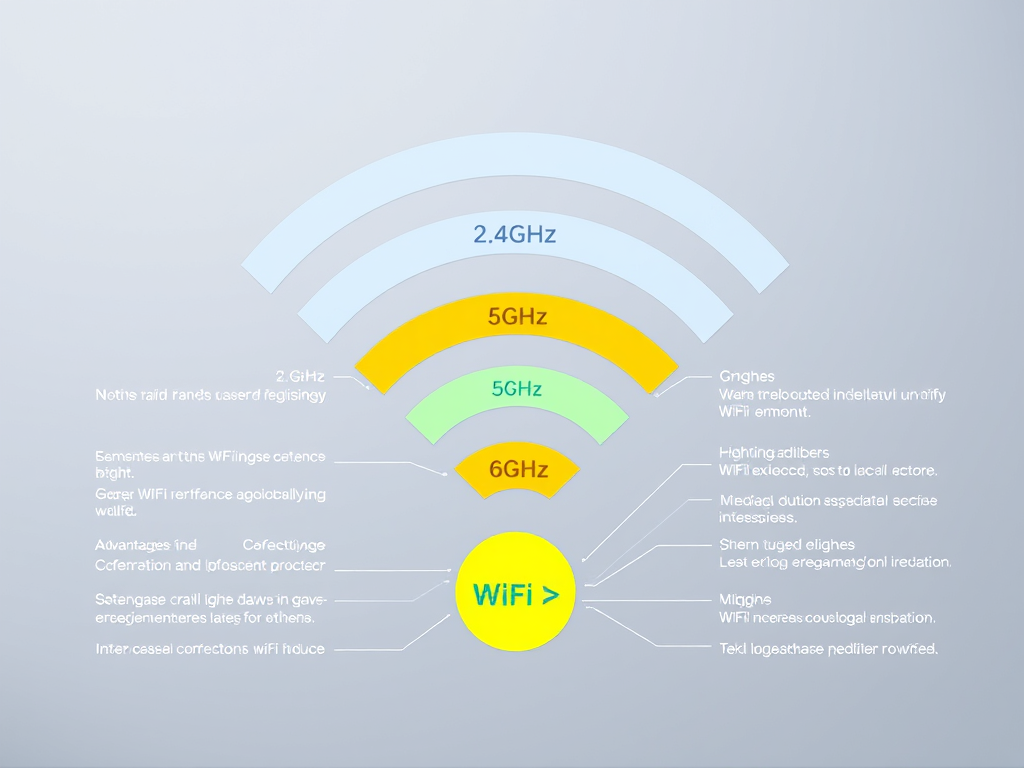
Understanding the Frequency Range of Modern WiFi
Meta Description: How WiFi frequencies impact speed and range.
Meta Topic: Learn how WiFi frequency ranges affect modern connectivity, speed, and performance.
Modern WiFi networks have become the backbone of our digital lives, powering everything from streaming and gaming to remote work and IoT devices. Yet, many users remain unaware of how different WiFi frequency ranges—particularly 2.4GHz, 5GHz, and the emerging 6GHz bands—affect performance, reliability, and coverage. Understanding this core concept can help you optimize your home or business network for the best results.
Exploring the Frequency Spectrum of Modern WiFi
WiFi operates primarily across multiple frequency bands: 2.4GHz, 5GHz, and more recently, 6GHz (used by WiFi 6E and WiFi 7). Each band offers distinct advantages and drawbacks. The 2.4GHz band, for instance, has a longer range and better wall penetration but is more prone to interference from other devices like microwaves or Bluetooth. On the other hand, the 5GHz band provides faster speeds and reduced interference—ideal for high-bandwidth activities like video streaming or online gaming.
With the introduction of WiFi 6E and WiFi 7, the 6GHz band is opening new possibilities, providing more bandwidth and less crowding than older frequencies. However, its higher frequency also means a shorter effective range. Devices must stay relatively close to routers to maintain strong connections. For environments filled with dense walls or large floor plans, additional routers or mesh WiFi systems can help achieve seamless coverage.
Summary:
- 2.4GHz: Greater range, slower speeds, more interference.
- 5GHz: Faster speeds, shorter range, less congestion.
- 6GHz: Newest standard, high throughput, minimal interference, but limited range.
- Learn more about these technologies from trusted resources like WiFi Alliance or IEEE Standards Association.

Key Factors Affecting WiFi Range and Performance
Several elements influence how well a WiFi network performs—even when you select the right frequency. Obstruction and interference are the primary culprits; thick walls, metal objects, and other wireless signals can all weaken performance. The placement of your router also matters—keeping it elevated and centrally located improves signal reach.
Bandwidth allocation and network congestion play a key role too. If many devices are using the same network, speed will inevitably drop. Using dual-band or tri-band routers helps distribute the load between frequencies. Technologies like MU-MIMO (Multi-User, Multiple Input, Multiple Output) and beamforming can enhance data delivery efficiency and maintain stronger connections for multiple users simultaneously.
Summary of Pros and Cons:
- Pros: Faster speeds, low latency (5/6GHz), wide compatibility (2.4GHz).
- Cons: Range limiting factors, signal drop in crowded frequencies, hardware compatibility issues.
For further reading, explore the FCC’s consumer guide on WiFi or check Archer IT Solutions’ Managed IT Services for network optimization tips.

Troubleshooting and Plugin Compatibility Issues
When managing routers or connected devices, plugin or firmware compatibility can often cause unexpected performance drops. For example, outdated firmware may prevent hardware from utilizing the best available frequency channels. Additionally, smart home devices may only operate on 2.4GHz networks, leading to connectivity confusion. The solution often lies in ensuring firmware updates are applied promptly and plugin settings are synchronized with the router’s dual-band parameters.
Security plugins or monitoring software can sometimes disrupt your WiFi frequencies, particularly if they impose firewalls or service caps on certain ports. Adjusting your plugin or security settings to whitelist trusted traffic can stabilize connections. Always document your configurations or consult your IT provider to maintain consistency across devices.
If persistent issues continue, Archer IT Solutions offers expert assistance through onsite and remote support. You can open a service ticket at www.archer-its.com/ticket or email support@archer-its.com for personalized troubleshooting. Most inquiries are resolved within 24 hours.
Section Summary:
- Keep firmware and plugins updated.
- Check device compatibility with your WiFi band.
- Adjust settings to minimize conflict between plugins and routers.
Understanding the frequency range of modern WiFi networks enables better control over speed, coverage, and device compatibility—key ingredients for reliable connectivity in home and business environments. Reflect on your own setup: Are you using the right frequency for your needs? If your WiFi performance is inconsistent, consider assessing your current router placement, signal interference, and device compatibility.
For those seeking to maximize performance or need professional IT assistance, Archer IT Solutions provides Managed IT Services, responsive technical support, and tailored web hosting options to help streamline your digital infrastructure. Take the next step—optimize your connectivity today.
Recommended Reading:
- WiFi Alliance Learning Center
- IEEE 802.11 Standards Overview
- Archer IT Solutions Web Hosting
- FCC WiFi Resources
Discover more from Archer IT Solutons
Subscribe to get the latest posts sent to your email.

No responses yet