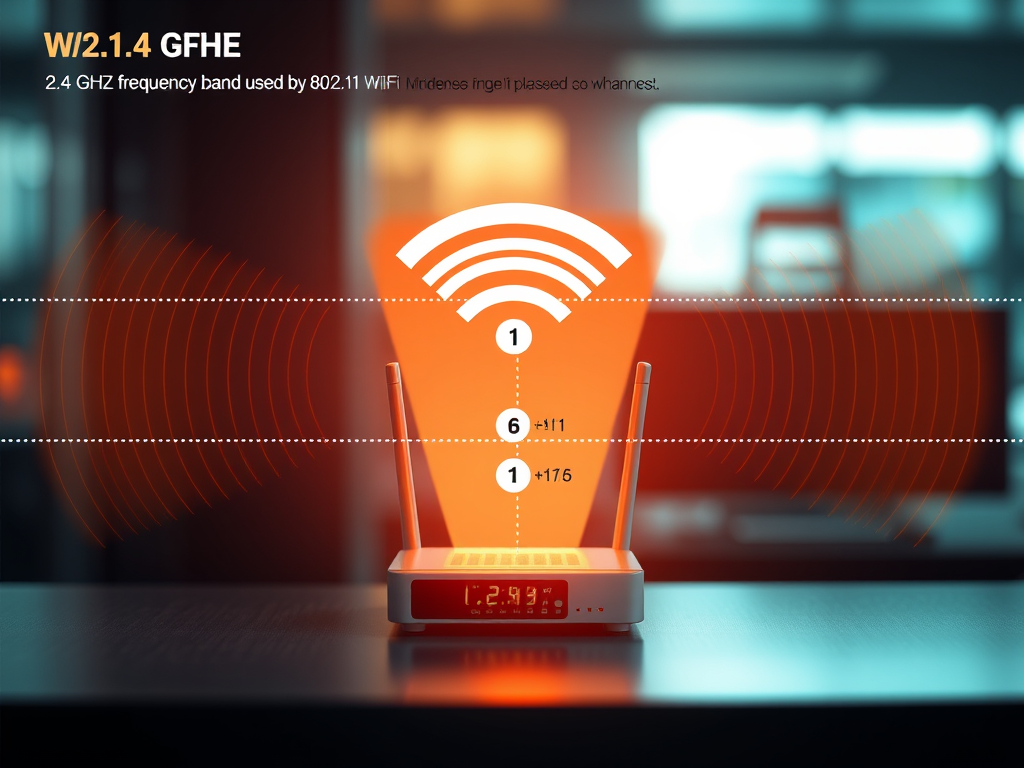
Understanding the Frequency Range of 802.11b WiFi Standard
The 802.11b WiFi standard is one of the earliest and most influential protocols that helped shape modern wireless communication. Operating within the 2.4 GHz band, it plays a foundational role in how we understand wireless frequency management today. This article explores how 802.11b utilizes this band, the impact of channel selection, performance challenges, and troubleshooting techniques—all to help you keep your network running smoothly.
Exploring the 2.4 GHz Band Used by 802.11b WiFi
The 802.11b WiFi standard operates within the 2.4 GHz frequency band, which ranges approximately from 2.400 GHz to 2.4835 GHz. This narrow range is divided into channels—each 22 MHz wide—allowing multiple devices to communicate simultaneously. However, because of overlapping frequencies between channels, interference can occur, especially in densely populated environments. The technology’s simplicity and cost-effectiveness helped it become a staple in early home networks.
One of the defining characteristics of the 2.4 GHz band is its wide compatibility. Devices such as microwaves, Bluetooth accessories, and cordless phones also operate within the same band, making it universally accessible but susceptible to interference. While newer WiFi standards (like 802.11n, 802.11ac, and 802.11ax) have moved to the 5 GHz or 6 GHz bands for better performance, 802.11b’s legacy remains significant for backward compatibility and basic connectivity requirements.
Pros and Cons of 802.11b
- ✅ Pros: Excellent range and penetration through walls; affordable hardware.
- ❌ Cons: Slower speeds (up to 11 Mbps) and higher interference due to shared frequencies.
For more technical background, check out this helpful resource from Network Encyclopedia.
How Channel Selection Impacts 802.11b Performance
Channel selection plays a crucial role in maximizing 802.11b performance. In the 2.4 GHz spectrum, most countries define 11 to 14 channels, but only channels 1, 6, and 11 are considered “non-overlapping.” Using these channels optimally minimizes interference, leading to stronger signal quality and reduced packet loss. Misconfigured networks that use overlapping channels often experience slow connections and frequent dropouts.
For example, if you live in an apartment where multiple routers broadcast on the same frequency, your WiFi will likely suffer congestion. Network analyzers (like WiFi Analyzer or NetSpot) can help identify which channels are least used, allowing for better configuration. Businesses using legacy systems can further reduce interference by segmenting networks based on device type or priority level.
Troubleshooting Tips
- Perform a site survey to identify noise from nearby networks.
- Change your router to use a non-overlapping channel.
- If interference persists, consider an upgrade to 802.11n or 5 GHz capable hardware.
For additional troubleshooting advice, visit NetSpot’s Channel Optimization Guide.
Enhancing Network Support and Optimization with Archer IT Solutions
Archer IT Solutions offers comprehensive managed IT and wireless networking services tailored for both home users and businesses. Whether you need help optimizing your WiFi network, configuring wireless channels, or setting up secure access points, our team provides end-to-end assistance. We also handle web hosting, onsite and remote IT support, and web design services designed to boost digital performance.
For immediate support, you can reach us through the following:
- 📞 Service Tickets: www.archer-its.com/ticket/
- 📧 Support: support@archer-its.com
- 🌐 Onsite Services: www.archer-its.com/onsite-service
- 💡 Managed IT: www.archer-its.com/managed-it-services
Example Application:
A small retail shop experiencing slow WiFi due to overlapping 802.11b channels contacted Archer IT Solutions. Our team conducted a frequency analysis, reconfigured the router to channel 11, and improved the signal by 40%. Similar success stories showcase our hands-on expertise in restoring dependable, efficient connectivity.
Understanding how the 802.11b WiFi standard operates within the 2.4 GHz band provides crucial insight into how today’s wireless systems evolved. Knowing which channels to use and how to troubleshoot interference helps network administrators and everyday users alike maintain efficient communication networks. Whether you’re managing a small home setup or a growing business, optimizing your WiFi performance with smart frequency and channel management—and guided support from Archer IT Solutions—can make all the difference.
➡️ Call to Action:
Ready to optimize your WiFi network or need IT assistance? Contact Archer IT Solutions today for expert advice and fast, reliable service.
Discover more from Archer IT Solutons
Subscribe to get the latest posts sent to your email.

No responses yet