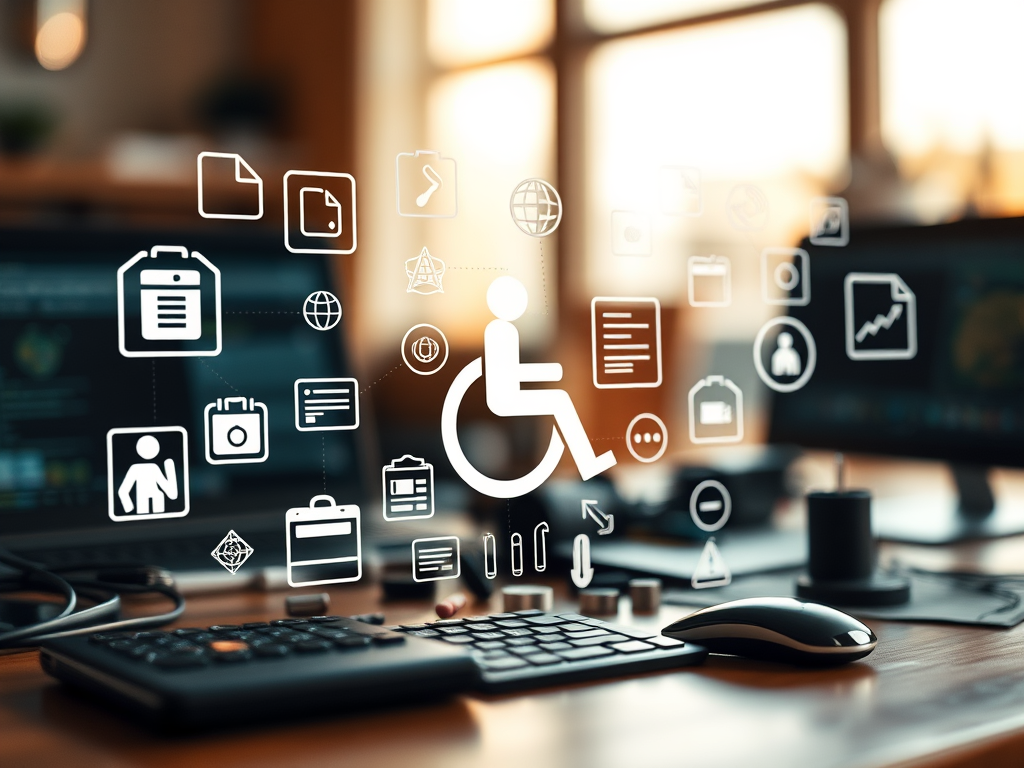
When designing a digital experience, it’s crucial to consider the accessibility and usability needs of all visitors. Many people navigate the web differently—some rely on assistive technologies, while others may need visual or functional adjustments. Asking, “Will your visitors require any special needs (i.e., screen reader ready, larger fonts)?” is not just a design question, but an ethical and strategic one. In this article, we’ll explore the importance of accessibility, practical implementation strategies, and real-world examples that demonstrate the value of creating inclusive websites.
Understanding Visitor Accessibility and Special Needs
Accessibility in web design means ensuring that all users, regardless of physical or cognitive abilities, can interact with your content effectively. This can include making your site compatible with screen readers, offering keyboard navigation options, or including features such as adjustable text sizes and high-contrast color schemes. According to the World Health Organization, over 1 billion people—about 16% of the global population—experience some form of disability. That’s a huge segment of users who need inclusivity built into digital spaces, not added as an afterthought.
Designing for inclusivity also enhances the overall user experience. For instance, larger fonts not only help those with visual impairments but also benefit users browsing on mobile devices or in low-light environments. Similarly, closed captions on videos assist users with hearing difficulties but are also useful for people watching videos in public settings without sound. Accessibility is not simply compliance with Web Content Accessibility Guidelines (WCAG)—it’s about empathy and usability for all.
Key takeaways:
- Accessibility benefits everyone, not just those with disabilities.
- Simple adjustments (font size, contrast, navigation aids) can significantly improve engagement.
- Consider accessibility from the very beginning of your site design—retrofits can be more complicated and costly later.

Real-Life Examples and Practical Accessibility Solutions
A notable example of accessibility done right comes from the BBC, which implements high accessibility standards across all its digital platforms. Its websites are screen reader-compatible, maintain consistent keyboard navigation, and even include tools for changing text sizes. This commitment has made the BBC one of the most accessible media platforms worldwide. Another real-world case is Gov.UK, where every page is designed to prioritize clarity, simplicity, and inclusivity, following strict accessibility protocols.
Implementing accessibility can be easier than many think. Tools such as WAVE Web Accessibility Evaluation Tool, axe DevTools, and Google Lighthouse allow developers to analyze pages for accessibility issues automatically. Additionally, following the latest WCAG 2.2 guidelines ensures compliance and best practices. The use of alt text for images, descriptive links, and logical heading structures are small but powerful steps toward a more inclusive user experience.
Benefits from these efforts are measurable. Research from the Click-Away Pound Survey found that UK businesses lost around £17 billion in 2022 due to inaccessible websites turning away potential customers. Thus, improving accessibility not only enhances user satisfaction but also opens your website to broader markets and better SEO outcomes.
Key takeaways:
- Use accessibility testing tools to identify and fix usability barriers.
- Well-designed accessibility can improve both engagement and revenue.
- Follow accessibility standards like WCAG to ensure universal design compliance.

By asking “Will your visitors require any special needs?”, you pave the way toward designing with empathy, inclusivity, and foresight. Digital accessibility is not merely about compliance—it’s about recognizing the diversity of how people interact with technology. Every accessible feature you add makes your website more inviting, usable, and forward-thinking.
Reflect on your own website or digital platform: Do your visitors feel seen, heard, and accommodated? Take the initiative to audit your website today, explore accessibility tools, and engage with real users to ensure that your digital space welcomes everyone equally. Accessibility is not just good design—it’s the right thing to do.
 Mini Mini | Standard | Domain Only |  Reseller 1 Reseller 1 | Reseller 2 | Reseller 3 |
| $12 per year | $9.99/month | low yearly prices | $20/month | $37.50/month | $50/month |
| *10 GB Space** *100 GB Bandwidth** *FTP access *10 email account *PHP/CGI/PERL/SSI Support *SSL | *100 GB Space** *1TB Bandwidth** *10 FTP accounts *100 email account *PHP/CGI/PERL/SSI Support *10 Databases *SSL WordPress, Joomla, or Drupal hosting | *10 Domains *10 GB Diskspace *200 GB of traffic *10 Databases *10 Mailboxes *WordPress options | *25 Domains *30 GB Diskspace *600 GB of traffic *30 Databases *30 Mailboxes *WordPress options | *50 Domains *60 GB Diskspace *1200 GB of traffic *60 Databases *60 Mailboxes *WordPress options | |
| Specials | |||||
 3 months on us. 1TB Bandwidth, FTP accounts, email accounts, PHP/CGI/PERL/SSI SupportD, Databases, Ability to add WordPress, Joomla, or Drupal. 3 months on us. 1TB Bandwidth, FTP accounts, email accounts, PHP/CGI/PERL/SSI SupportD, Databases, Ability to add WordPress, Joomla, or Drupal.
Don’t wait — grab your deal and launch today ** temporary offered | |||||
Discover more from Archer IT Solutons
Subscribe to get the latest posts sent to your email.


No responses yet