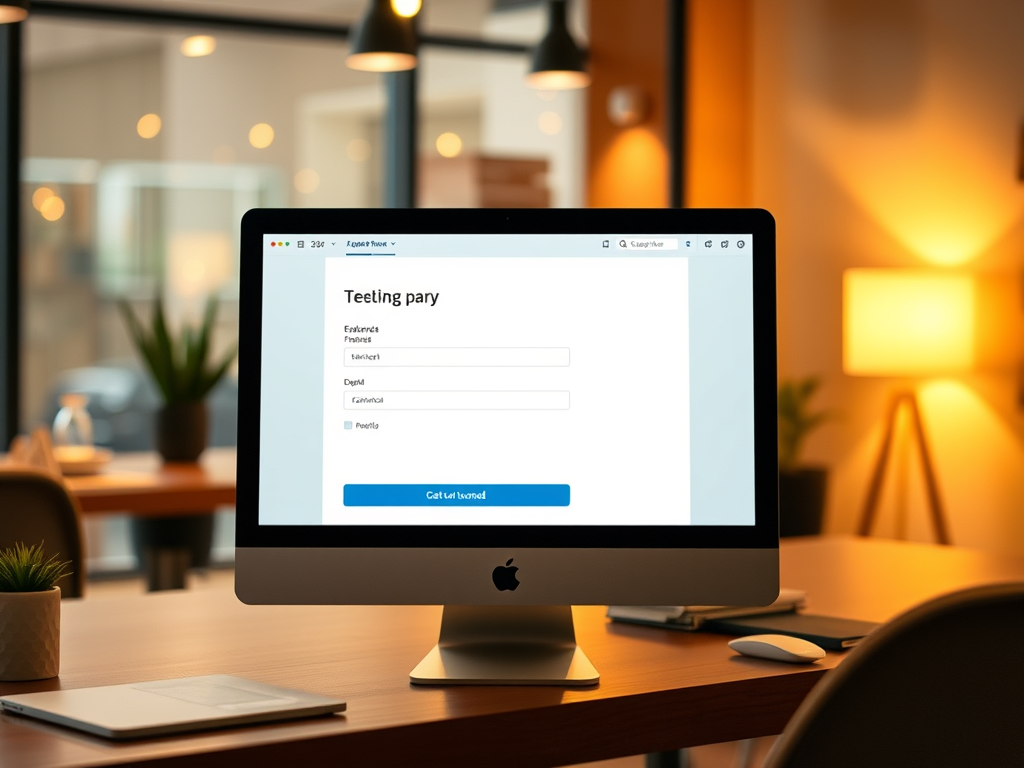
When building a new website, one of the most overlooked elements is deciding how many web forms your site actually needs. Too few, and you risk losing valuable leads or data. Too many, and you might overwhelm your visitors—causing them to abandon ship before you can engage. The secret lies in balancing functionality with simplicity. Let’s break down how to find that sweet spot and look at real-world examples that show what works best.
Balancing Function and Simplicity in Web Form Design
The primary goal of a web form is to capture user input in a way that feels intuitive and seamless. This might mean having one general contact form for a small business or multiple specialized forms for larger sites handling diverse inquiries. For instance, a local photography business might be fine with a single contact form, while a software company may need separate forms for technical support, sales, and feedback. The idea is to keep forms focused—each should serve a unique purpose without duplicating functions.
Too many forms, or poorly designed ones, can create friction. A 2023 Formstack report found that reducing the number of form fields from 11 to 4 increased conversion rates by nearly 160%. When users see simplicity, they feel less overwhelmed and are more likely to engage. This means prioritizing clarity over quantity—each form should have a reason to exist and a clear expectation of what happens next after submission.
Here are some key takeaways for achieving this balance:
- Identify the goal of each form (e.g., sign-up, feedback, inquiry).
- Combine functions where appropriate (e.g., one form for both support and feedback with a drop-down selection).
- Keep the design clean—avoid unnecessary fields or visual clutter.

Real-World Case Studies: Finding the Right Form Count
Let’s look at a few practical examples of how businesses have optimized their web form strategies. Basecamp, a popular project management platform (https://basecamp.com), uses a minimal form strategy—mainly one dedicated sign-up form. Their team found that having a single, well-placed form on their landing page increased engagement and conversion rates more than having forms scattered across multiple pages.
On the other hand, HubSpot (https://www.hubspot.com) takes a more segmented approach. Given its wide range of tools, HubSpot employs different web forms for lead generation, contact support, free trials, and educational resources. By tailoring each form to a specific audience, HubSpot enhances user experience while still collecting valuable data for its diverse departments.
Even small nonprofit organizations have found success with simplicity. Charity: Water (https://www.charitywater.org), for example, focuses on donation and contact forms only—streamlining the process to make giving effortless. Their minimal approach reduced user drop-offs and improved donation completion rates by over 20%, based on their 2022 optimization report.
Key insights from these case studies:
- Tailor your form strategy to your organization’s size and complexity.
- Use analytics to monitor form performance and adjust accordingly.
- A/B testing can reveal how different form counts affect user behavior.

Finding the right number of web forms for your new website isn’t just about organization—it’s about understanding user behavior and aligning your site’s goals with their needs. Whether you end up with one streamlined form or several purpose-driven ones, always prioritize usability and clarity.
Reflect on your own site: Are your forms truly necessary, or are they just there out of habit? Test, refine, and simplify where you can. Modern users crave efficiency, and every click they save brings them closer to connecting with your brand. By thoughtfully designing your site’s forms, you’ll create a digital experience that’s both functional and inviting—one form at a time.
 Mini Mini | Standard | Domain Only |  Reseller 1 Reseller 1 | Reseller 2 | Reseller 3 |
| $12 per year | $9.99/month | low yearly prices | $20/month | $37.50/month | $50/month |
| *10 GB Space** *100 GB Bandwidth** *FTP access *10 email account *PHP/CGI/PERL/SSI Support *SSL | *100 GB Space** *1TB Bandwidth** *10 FTP accounts *100 email account *PHP/CGI/PERL/SSI Support *10 Databases *SSL WordPress, Joomla, or Drupal hosting | *10 Domains *10 GB Diskspace *200 GB of traffic *10 Databases *10 Mailboxes *WordPress options | *25 Domains *30 GB Diskspace *600 GB of traffic *30 Databases *30 Mailboxes *WordPress options | *50 Domains *60 GB Diskspace *1200 GB of traffic *60 Databases *60 Mailboxes *WordPress options | |
| Specials | |||||
 3 months on us. 1TB Bandwidth, FTP accounts, email accounts, PHP/CGI/PERL/SSI SupportD, Databases, Ability to add WordPress, Joomla, or Drupal. 3 months on us. 1TB Bandwidth, FTP accounts, email accounts, PHP/CGI/PERL/SSI SupportD, Databases, Ability to add WordPress, Joomla, or Drupal.
Don’t wait — grab your deal and launch today ** temporary offered | |||||
Discover more from Archer IT Solutons
Subscribe to get the latest posts sent to your email.


No responses yet