Finding the Right Number of WordPress Plugins to Use
Choosing how many plugins to keep active on a WordPress site is a question that every website owner faces sooner or later. Plugins add functionality, extend design possibilities, and simplify maintenance—but each one also consumes resources. The challenge is finding a balance between flexibility and performance.
WordPress is designed to be modular, meaning you can install as many plugins as you like. However, most experts agree that a lean approach is better for site speed and security. Studies from WP Engine show that performance tends to degrade noticeably when a site has more than 20 active plugins, especially if they overlap in functionality or load scripts inefficiently. That said, having 30 or 40 well-optimized plugins on a professional site is possible when managed carefully.
Ultimately, the “right number” depends on what kind of website you’re running. A simple blog might hum along beautifully with 10–12 core plugins for things like SEO, backups, and caching, while a complex e-commerce site could require 40 or more specialized tools. The goal isn’t to count plugins—it’s to ensure that every active one adds measurable value to your site without slowing it down or increasing security risks.
Real Examples Showing How Plugin Counts Impact Performance
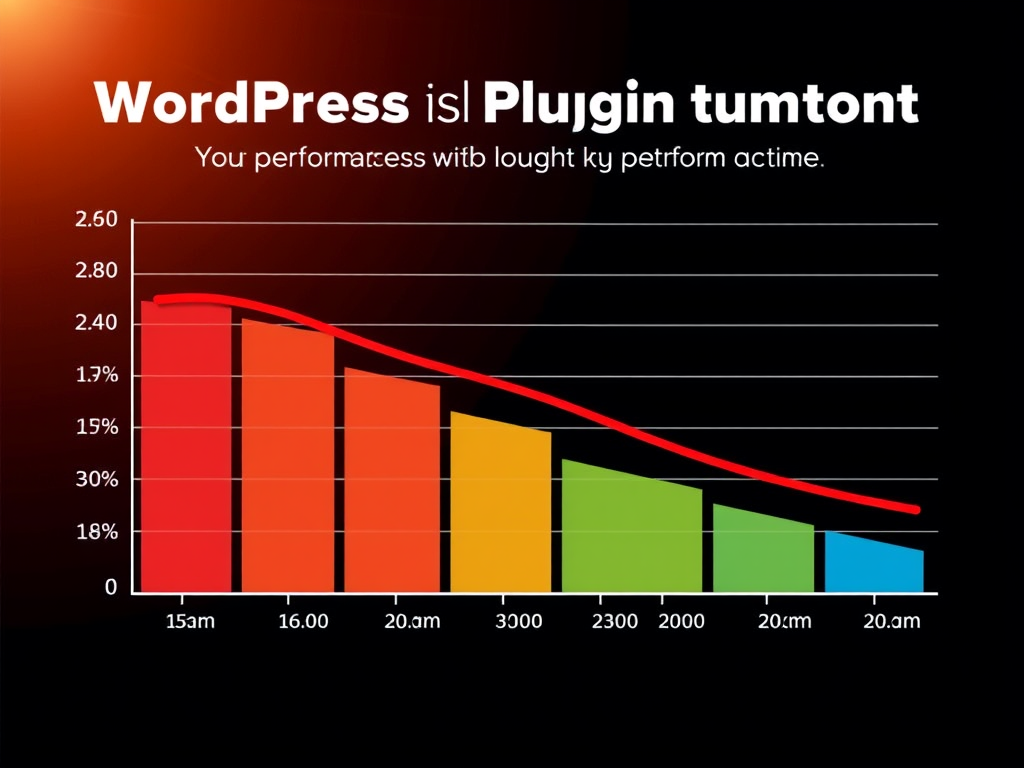
Performance testing reveals just how much plugins can affect loading speed and reliability. For example, a case study conducted by Kinsta found that a WordPress site with 25 plugins loaded in 2.8 seconds, while disabling unused plugins reduced the load time to 1.6 seconds—a 43% improvement. Removing overlapping plugins (like multiple social media sharing tools) often brings the most noticeable gains.
Another example is from a small e-learning platform that ran 45 plugins, including several for tracking and analytics. After consolidating tracking tasks into one all-in-one analytics plugin, page speed increased by nearly 30%, and the number of backend errors dropped significantly. This demonstrates that the type of plugin matters as much as the total count. Good coding and minimal resource use often matter more than raw numbers.
Here are some key takeaways:
- Quality trumps quantity: A few high-performance plugins are better than dozens of redundant ones.
- Regular audits help: Review plugins quarterly to remove outdated or inactive ones.
- Use staging environments: Test new plugins in a sandbox before pushing them live.
(Image: A chart comparing website load times with different plugin counts — showing how performance declines as the number of active plugins increases.)
In the end, there’s no universal limit to how many plugins a WordPress site should have—only a balance that suits your site’s needs and resources. For most users, keeping between 15 and 25 active plugins ensures a healthy mix of functionality and speed. E-commerce or membership sites may go higher if their plugins are lightweight and well-maintained.
Think of plugins like tools in a workshop: each has a purpose, but too many can clutter your workspace and slow you down. Regular performance tests and careful plugin management ensure your website stays fast, secure, and scalable.
Take a moment to review your site’s plugins today. Which ones are genuinely adding value? Which ones are weighing your site down? With a little housekeeping, your WordPress site can run faster and more reliably—no matter how many plugins you choose to keep active.
 Mini Mini | Standard | Domain Only |  Reseller 1 Reseller 1 | Reseller 2 | Reseller 3 |
| $12 per year | $9.99/month | low yearly prices | $20/month | $37.50/month | $50/month |
| *10 GB Space** *100 GB Bandwidth** *FTP access *10 email account *PHP/CGI/PERL/SSI Support *SSL | *100 GB Space** *1TB Bandwidth** *10 FTP accounts *100 email account *PHP/CGI/PERL/SSI Support *10 Databases *SSL WordPress, Joomla, or Drupal hosting | *10 Domains *10 GB Diskspace *200 GB of traffic *10 Databases *10 Mailboxes *WordPress options | *25 Domains *30 GB Diskspace *600 GB of traffic *30 Databases *30 Mailboxes *WordPress options | *50 Domains *60 GB Diskspace *1200 GB of traffic *60 Databases *60 Mailboxes *WordPress options | |
| Specials | |||||
 3 months on us. 1TB Bandwidth, FTP accounts, email accounts, PHP/CGI/PERL/SSI SupportD, Databases, Ability to add WordPress, Joomla, or Drupal. 3 months on us. 1TB Bandwidth, FTP accounts, email accounts, PHP/CGI/PERL/SSI SupportD, Databases, Ability to add WordPress, Joomla, or Drupal.
Don’t wait — grab your deal and launch today ** temporary offered | |||||
Discover more from Archer IT Solutons
Subscribe to get the latest posts sent to your email.


No responses yet