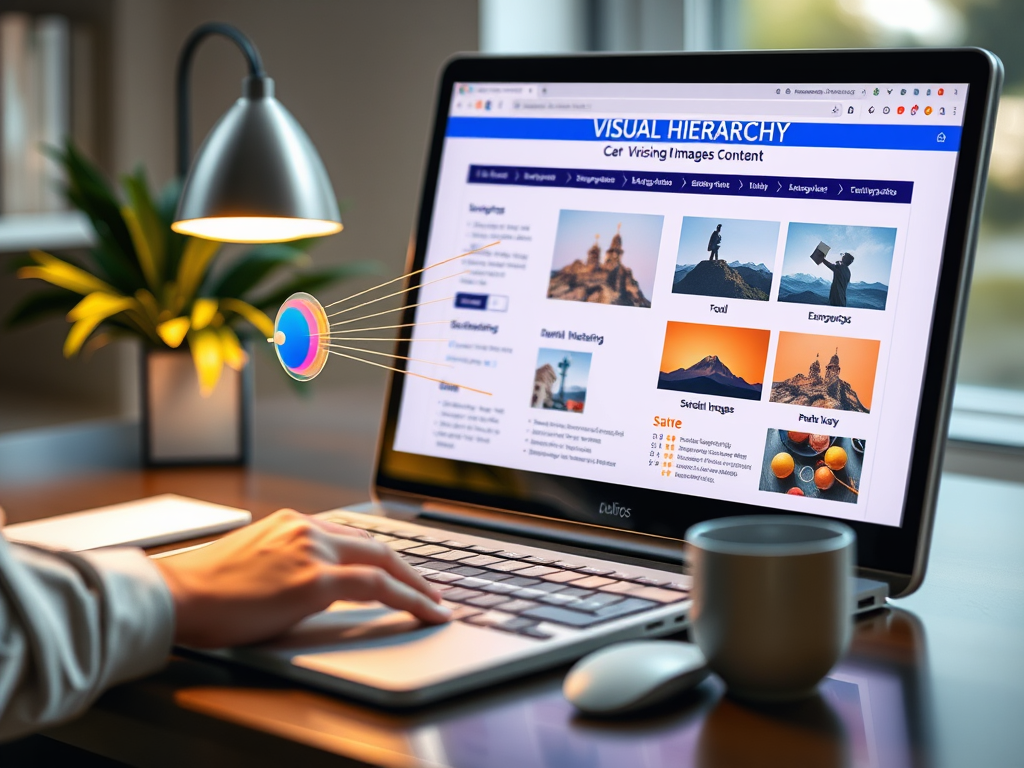
Mastering the Art of Using Images in Your Content
In today’s digital landscape, images hold the power to capture attention, enhance understanding, and drive user engagement. Whether you’re a blogger, web designer, or IT professional, mastering the art of integrating images into your content isn’t just about aesthetic appeal—it’s about strategy. The key lies in guiding the viewer’s eye, maintaining harmony with text, and ensuring your visuals serve a purpose beyond decor.
Guiding the Viewer’s Eye with Visual Hierarchy
Visual hierarchy is all about controlling how your audience views and interprets information. Eye-tracking studies (such as those conducted by Nielsen Norman Group and UX Collective) show that most users scan websites in an “F-shaped” or “Z-shaped” pattern—starting from the top-left corner and navigating downwards. This insight is crucial when placing images or graphics because you can use them to draw attention to key elements like headlines or calls to action.
By balancing size, color, and contrast, you create visual pathways that guide the reader effortlessly. Large, vivid imagery tends to dominate initial attention, but when combined with effective white space and alignment, it can naturally lead the viewer’s eye toward text-based information. This approach also helps in reducing cognitive load and improving comprehension, especially in information-heavy pages or posts.
When implemented correctly, visual hierarchy can transform how users digest information on your site. If your visuals help highlight important sections, readers are more likely to remain engaged and explore deeper. For example, IT companies like Archer IT Solutions often leverage structured layouts and strong visuals to help clients navigate complex service details intuitively.
Summary: Use visual hierarchy to strategically lead users’ attention, ensuring images amplify engagement and clarity rather than distract.

Encouraging Engagement Through Strategic Image Use
Beyond visual appeal, images drive emotional and cognitive engagement. A relevant image can increase retention of information and influence user behavior. According to HubSpot, articles with relevant images receive up to 94% more total views. But relevance is key—adding generic photos only serves to fill space, while strategic visuals complement text and reinforce messaging.
To ensure the best engagement, choose images that resonate with your topic and audience. For tech and web-related services, using screenshots, infographics, or diagrams can provide tangible value. For instance, when explaining IT support workflows or plugin settings, visual examples simplify learning and reduce confusion. On the flip side, too many images or large file sizes can slow down performance—one of the major disadvantages if not optimized properly.
Troubleshooting plugin compatibility issues is another crucial aspect. For example, image optimization plugins sometimes conflict with caching tools, causing broken visuals or layout shifts. Always test your site in a staging environment before publishing. If issues persist, website owners can seek technical support from IT service providers like Archer IT Solutions Support for professional troubleshooting and guidance.
Summary: Choose images with purpose—focus on clarity, consistency, and technical reliability to retain engagement and maintain site performance.

Effectively using images in your content isn’t just about making it look good—it’s about crafting a coherent story that aligns visuals with message and user intent. The right images guide the eye, enhance understanding, and elevate your brand’s authority.
Think carefully about how your audience experiences your content. Are your visuals supporting or competing with your message? Try experimenting with placement, color contrast, and size variations to discover what works best for your readers.
For ongoing support in optimizing your website—from layout to hosting—explore the services offered by Archer IT Solutions. Their portfolio ranges from Web Hosting and Managed IT Services to Web Design Services. For assistance, contact their support team at support@archer-its.com, or open a ticket via www.archer-its.com/ticket.
Reflect on your own content today—are you using images effectively to tell your story?
Starter Website
Use our AI bots to build a starter website for you.
$50 setup with hosting at $9.99 per month
Discover more from Archer IT Solutons
Subscribe to get the latest posts sent to your email.
Discover more from Archer IT Solutons
Subscribe to get the latest posts sent to your email.


No responses yet