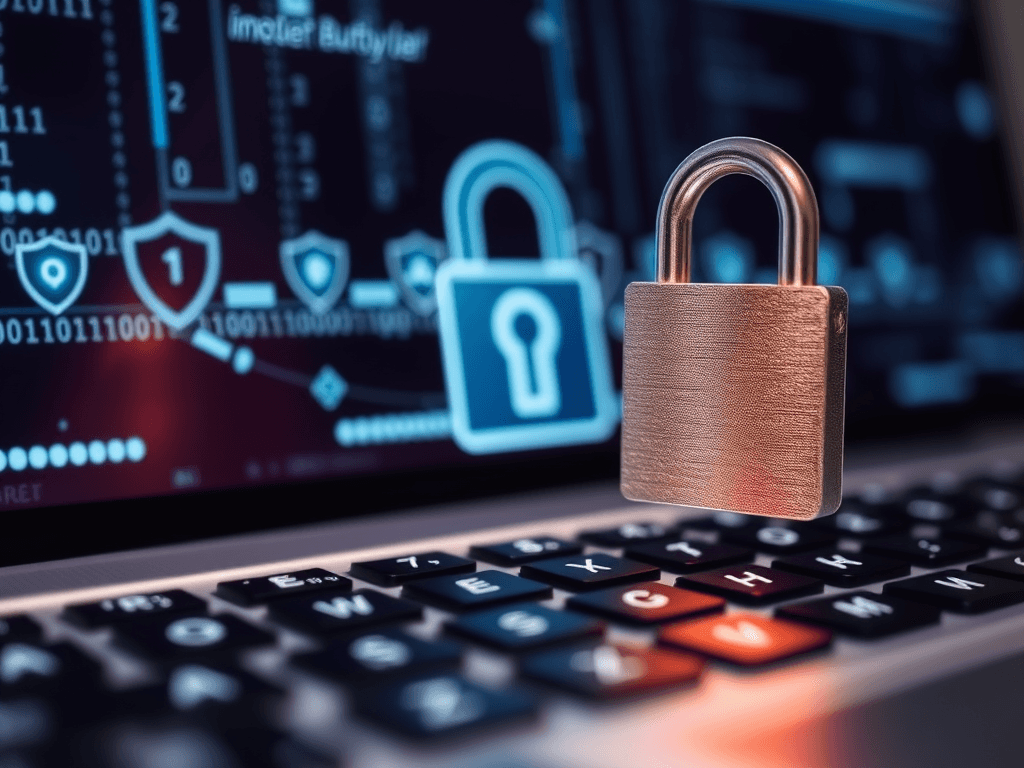
How Secure Is Your Web Hosting Username and Password?
When was the last time you updated your web hosting username and password? If your answer is “I can’t remember,” you’re not alone. Many website owners—especially small business users and WordPress hosting administrators—overlook how critical proper login security really is. Your credentials are the keys to your online property. If compromised, they can expose private files, customer data, and even entire websites.
This article explores why your web hosting login security matters, the steps to strengthen your password protection, and provides expert insight to help you take immediate action. Whether you’re managing a one-page portfolio or a large e-commerce platform, tightening your login credentials can mean the difference between business continuity and a potential shutdown.
So, let’s dive into this essential security topic—because your first line of defense starts with something deceptively simple: your username and password.
Why Your Web Hosting Login Security Matters Today
Understanding the Impact of Weak Credentials
A weak web hosting username and password can expose your site to numerous attacks. Cybercriminals often use brute-force tools that test thousands of combinations every minute until they guess correctly. Once they’re in, they can modify files, delete content, or steal database information. This means your downtime could cost not only your online presence but also your clients’ trust.
For example, a small business owner using “admin” as the username and “password123” as the password can be compromised within seconds. Hackers don’t discriminate between large and small entities; they target accessibility. Even an outdated WordPress site hosted under an unsecured login is at risk. The vulnerability is not just about loss of data—it’s about the reputation damage that follows.
The bottom line: in today’s environment of constant digital threats, treating login security as a minor issue is a recipe for disaster. Your web hosting credentials are your digital identity—protect them as such.
The Connection Between Web Hosting and Reputation
Your web hosting username and password security plays a direct role in how secure your website appears to search engines and customers. Once compromised, malware infections or phishing activities may cause your website to be blacklisted by search engines like Google or Bing. Recovering from a hacked domain can take weeks, if not months.
Think about a hacked site that redirects users to malicious URLs. Visitors will likely never return, believing your business lacks credibility. For IT service companies or business owners, that impression can harm both current customer relationships and lead generation efforts.
By protecting your hosting panel, cPanel, FTP accounts, and CMS administration logins, you are essentially safeguarding your digital brand. A few steps today can prevent a public relations nightmare tomorrow.
The Cost of Ignoring Login Protection
Ignoring hosting security doesn’t just risk a single account—it can cascade across multiple services. If you use the same password for your FTP, email, and web hosting dashboard, one breach could expose your entire online infrastructure. Cybercriminals often exploit linked accounts to uncover stored credentials or gain control of DNS settings.
In addition, data restoration and cleanup can be expensive. Companies often have to hire IT professionals to restore backups, implement SSL protocols, and scan for malware. At Archer IT Solutions, we’ve encountered clients who spent more on recovery than an annual hosting plan itself. Prevention, clearly, is far more affordable.
If you still question whether your credentials are secure enough, remember this: every second you delay, automated bots are scanning the web for unprotected logins.
Steps to Strengthen Your Web Hosting Password Protection
Use Complex Credentials and Avoid Common Pitfalls
Creating a strong web hosting username and password begins with complexity and unpredictability. Avoid common names like “admin,” “root,” or your own business name. Instead, use a unique username combined with a randomly generated password containing uppercase letters, lowercase letters, numbers, and symbols. Password managers such as Bitwarden, 1Password, or LastPass can securely store and generate robust credentials.
According to OWASP, a strong password policy should include at least 12 characters and avoid dictionary words. Additionally, periodically update your passwords every three to six months to reduce exposure from previous breaches. If you manage multiple websites, use distinct logins across each hosting account to segment and isolate access.
To test your current password complexity, you can use tools such as Kaspersky Password Checker—a free, non-intrusive way to understand your vulnerability risk.
Enable Two-Factor Authentication (2FA)
Another major step toward enhancing web hosting username and password security is enabling Two-Factor Authentication (2FA). This feature adds an extra step to your login process, typically requiring a temporary code from a verified app or device. Even if someone steals your password, they cannot access your account without your secondary code.
Most modern hosting dashboards, such as cPanel or Plesk, now include built-in 2FA options. If your hosting provider doesn’t offer one, consider switching to a more secure provider like Archer IT Solutions, where login protections are included as standard security features.
You can also implement hardware-based authentication tokens (like YubiKey) for higher-level security—ideal for agencies managing multiple client websites.
Regular Maintenance and Monitoring
Having a strong password is just the start—maintenance plays a crucial role. Monitor your account for unusual activities such as new users added or unexpected password reset requests. Many web hosting dashboards provide login history logs where you can view IPs and timestamps.
Additionally, enable email notifications for all login attempts and integrate tools like Fail2Ban or Imunify360 to automatically block suspicious login behavior. Maintaining back-ups is equally essential; services like Archer’s Managed IT Services ensure continuous protection with version-controlled backups.
Lastly, stay informed on emerging cybersecurity trends. Educational sources like Cybersecurity & Infrastructure Security Agency (CISA) and StaySafeOnline.org regularly update best practices for password handling.
Troubleshooting Common Issues
Problem: Forgot Password or Locked Out
If you’re locked out of your hosting account, start by using your host’s password recovery tool. Check your recovery email and ensure your backup contact options (like phone verification) are updated. If this fails, contact your web hosting support team directly through secure channels like support@archer-its.com.
Avoid attempting multiple password resets within a short timeframe, as this may trigger security locks. Once you regain access, immediately reset your credentials and enable 2FA.
Problem: Detected Unauthorized Login
It’s crucial to act fast. If you suspect unauthorized access, disconnect your site from the network to prevent additional breaches. Reset your web hosting username and password, revoke all user sessions, and run a comprehensive malware scan.
Use tools such as Sucuri SiteCheck for free vulnerability scanning. After cleanup, consider upgrading your plan with Archer IT Solutions for enhanced protection, server monitoring, and professional firewall setup.
Problem: Phishing or Login Spoofing
Hackers often replicate hosting login pages to trick users into sharing their login data. Always double-check the URL in your browser before entering credentials. Install SSL certificates and educate your team members on URL spoof detection techniques.
If you receive suspicious emails claiming to be from your web host, don’t click their links. Instead, log in directly through the host’s official website or contact customer service at support@archer-its.com.
Frequently Asked Questions (FAQ)
Q1: How often should I change my hosting password?
A: Update it every 3–6 months or after any suspicious activity. Regular rotation reduces your risk exposure.
Q2: Can my WordPress hosting be hacked even if I have a strong password?
A: Yes, through vulnerabilities in outdated plugins or themes. Combine strong credentials with ongoing software updates.
Q3: Should I share my hosting password with my web developer?
A: Only through a secure password manager or temporary credentials. Avoid sharing permanent access without monitoring activity.
Q4: What happens if my hosting account is hacked?
A: Immediately change all passwords, scan for malware, restore from backup, and consult a security expert or Archer IT Solutions.
Next Steps
- Evaluate your current password strength. Try using Have I Been Pwned to see if any of your credentials have leaked.
- Implement Two-Factor Authentication across all hosting and email accounts.
- Consider Managed Services for proactive web hosting protection from Archer IT Solutions.
Recommended Reading
- The Complete Guide to Web Hosting
- The Complete Guide to Server Administration
- What Is Web Hosting and Why It Matters
- Cybersecurity Basics for Business
- How DNS Security Works
Your web hosting username and password security serve as the cornerstone of your website’s defense. With cyberattacks on the rise, it’s no longer optional to take proactive steps—it’s essential. By embracing complex credentials, enabling two-factor authentication, and maintaining vigilant oversight, you not only protect your website but also build trust with your visitors.
If this article helped you spot weaknesses in your own hosting setup, don’t hesitate to act today. Visit Archer IT Solutions to learn how our web hosting and local IT support services can strengthen your digital infrastructure.
Stay secure, stay informed, and remember—a strong password is the first gatekeeper to your online success.
Image Suggestion:
image alt="web hosting username and password security"— A lock symbol on a laptop displaying a hosting control panel.
Video Suggestion:
- Embed a short YouTube video titled “How to Strengthen Your Website Hosting Security” (non-promotional educational content).
Power your website with an affordable web hosting plan that does not cut corners.
 Mini | Standard | Domain Only |
| $12 per year | $1.99/month | low yearly prices |
| *10 GB Space** *100 GB Bandwidth** *FTP access *10 email account *PHP/CGI/PERL/SSI Support *SSL | *100 GB Space *1TB Bandwidth *10 FTP accounts *100 email account *PHP/CGI/PERL/SSI Support *10 Databases *SSL WordPress, Joomla, or Drupal hosting | |
 Reseller 1 | Reseller 2 | Reseller 3 |
| $20 month | $37.50 month | $50 month |
| *10 Domains *100 GB Diskspace *2TB of traffic *100 Databases *100 Mailboxes *WordPress options | *25 Domains *300 GB Diskspace *6TB of traffic *300 Databases *300 Mailboxes *WordPress options | *50 Domains *600 GB Diskspace *12TB of traffic *600 Databases *600 Mailboxes *WordPress options |
| Specials | ||
Don’t wait — grab your deal and launch today ** temporary offered | ||
Stop settling for slow, unreliable hosting. With Archer IT Solutions, get a robust website hosting plans that deliver speed, security, and the uptime. Grab your domain and hosting package in one seamless plan, optimized for WordPress, small businesses, and personal websites.
Enjoy affordable web hosting plans without compromises, complete with professional email, one-click CMS installs, and round-the-clock website hosting support. Built for Businesses. Perfect for WordPress. Take control of your online presence. Try it risk-free with our 15-day money-back guarantee.
Launch your first personal blog or scale a growing small business site with hosting optimized for performance. Get the best web hosting for plus simple setup — all powered by secure Linux servers and easy Plesk control panel.
Why Choose Archer IT Hosting?
- Free SSL Certificates – Protect customers & boost trust
- Custom Email Accounts included
- One-Click CMS Installs – WordPress, Joomla & Drupal ready
- 15-Day Money-Back Guarantee – Risk-free hosting
- 24/7 Customer Support and Service – Real help when you need it
- Features you’ll actually will use
- Powered by Linux for speed & reliability
- Simplified management with Plesk Control Panel
- Automatic backups for worry-free security
Trust. Reliability. Zero Guesswork.
Your website stays online with uptime, protected by a free SSL certificate, and supported by real people around the clock. And if it’s not right for you? Our 15-day money-back guarantee makes it a no-risk choice. Take your business or personal project online with hosting that’s secure, affordable, and built to perform.
Discover more from Archer IT Solutons
Subscribe to get the latest posts sent to your email.
Discover more from Archer IT Solutons
Subscribe to get the latest posts sent to your email.

No responses yet