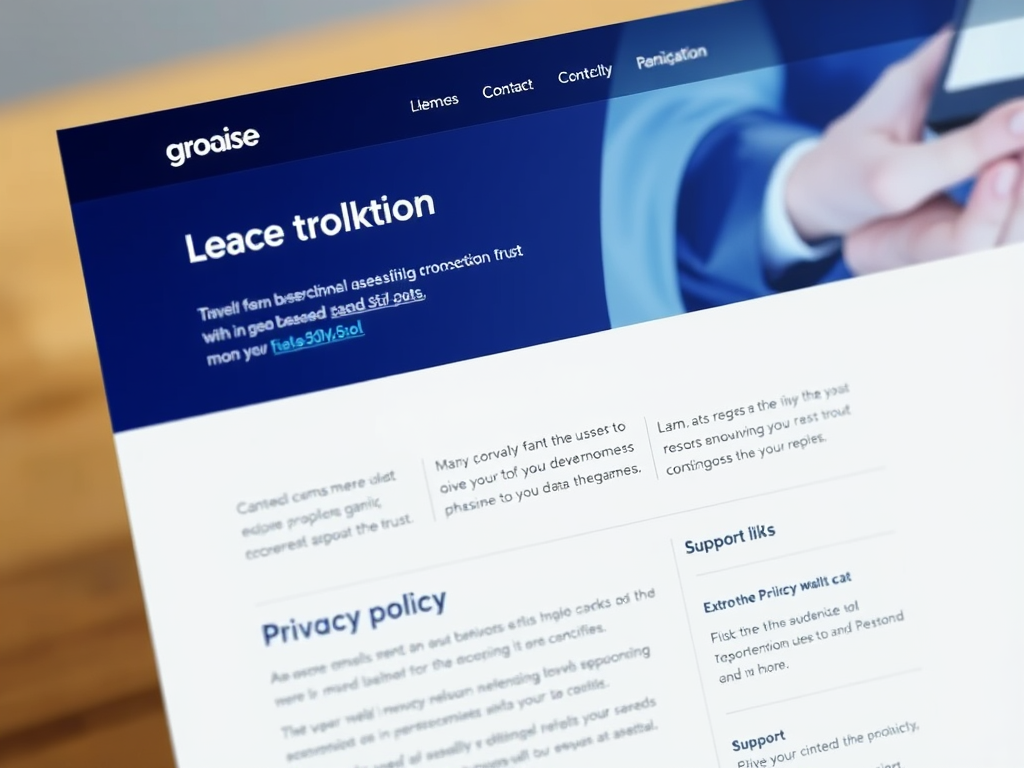
A well-designed website is more than just eye-catching visuals; it’s about providing users with clear, vital information that helps them navigate with confidence. Whether it’s a nonprofit, a government portal, or a business like Archer IT Solutions, some essential elements must always remain visible. This visibility ensures users can trust the source, access help quickly, and find what they’re looking for without frustration.
Below, we’ll review what information should always be visible, how to display it effectively through visual hierarchy, and how to resolve technical challenges that may affect presentation.
Essential Website Elements Every Visitor Should See
Every modern website must display key elements by default — including contact details, navigation menus, and branding. Visitors should instantly recognize the company or organization they’re interacting with. Prominent display of essential information, such as business name, support contact, and location, helps build trust. For example, NHS Digital consistently keeps its logo and navigation visible at the top of each page, reassuring users they’re on an official source.
In the case of businesses like Archer IT Solutions, ensuring that contact information such as support@archer-its.com and technical support options are always accessible helps reduce user friction. This transparency is particularly beneficial for companies offering technical services—users want quick routes to assistance without needing to dig through pages. Similarly, companies like Mozilla provide easily accessible “Get Help” and “About” sections for the same reason.
Key Information That Should Be Always Visible
- Logo and Brand Identity – Reinforces authenticity and familiarity.
- Navigation Bar – Provides a constant guide for quick access to main pages.
- Contact or Support Links – Builds trust by showing transparency.
- Privacy Policy / Terms – Demonstrates compliance and integrity.
Summary: Keeping these key elements visible enhances user trust, boosts engagement, and reduces confusion—helping businesses maintain clarity, consistency, and professionalism.
How Visual Hierarchy Improves Access to Key Information
Visual hierarchy refers to how design elements guide users’ attention. Eye-tracking studies show that users often scan pages in an “F-pattern”—starting from the top-left corner. This explains why placing the logo, menu, and contact link in that area works so effectively. For instance, the BBC News layout follows this model, keeping its navigation and headline structure in clear, visually dominant zones.
Design principles for effective hierarchy include contrast, spacing, and grouping. By using color and size strategically, key information can stand out. For sites using hosting or IT services, such as Archer IT Solutions’ web-hosting services, this can be critical—technical clients need immediate clarity on service options, uptime, and support channels. When the most relevant details are emphasized, users make faster, more confident decisions, improving overall engagement.
Practical Ways to Apply Visual Hierarchy
- Use a larger, bold font for headlines or CTAs (“Contact Support,” “View Plans”).
- Maintain ample white space to prevent information overload.
- Group related items logically (e.g., service packages together).
- Favor quick-scan-friendly design patterns (like the Z-pattern or F-pattern).
Pros: Enhances clarity, improves user retention, and lowers bounce rates.
Cons: Poor contrast or cluttered visuals can mislead or confuse users.
Summary: A strong visual hierarchy doesn’t just improve aesthetics—it empowers the user, ensuring that every critical piece of information is seen and understood in moments.
Troubleshooting Common Issues with Visibility and Plugin Compatibility
Even the best designs can face challenges when plugins or widgets don’t display information as intended. WordPress, for instance, may experience conflicts that hide key site elements such as navigation or contact links when multiple plugins compete for space. A simple fix is to audit plugin compatibility—deactivate one plugin at a time and clear the cache to identify conflicts. Keeping all your plugins updated reduces visibility issues and security risks alike.
For users hosting through managed services such as Archer IT Solutions, support teams can quickly diagnose and resolve such issues. Their web design services also guide clients in maintaining intuitive layouts that perform well across devices. In addition, using modern tools such as Google’s PageSpeed Insights or GTmetrix can help pinpoint any display or performance barriers.
Tips for troubleshooting display issues:
- Check theme and plugin compatibility after system updates.
- Regularly test on multiple browsers and screen sizes.
- Seek expert help through official support channels like Archer IT Solutions’ support page.
- Document recurring issues for faster troubleshooting.
Summary: Compatibility checks, proactive updates, and expert guidance can preserve the visibility of essential site elements, ensuring information clarity for all users.
A successful website is not only about design flair—it’s about visibility, clarity, and user guidance. Keeping critical information constantly accessible builds trust and encourages repeat visits. Strong visual hierarchy and ongoing maintenance further ensure that content remains clear and functional across platforms.
If you’re managing your own site or planning a redesign, take time to evaluate which elements your visitors need most. Reflect on the navigation structure, accessibility, and clarity of your support options. Should you encounter technical issues or need guidance on optimizing your layout, reach out to the Archer IT Solutions Support Team for help—usually responding within 24 hours. Your visitors—and your business—will thank you for the effort invested in visibility and usability.
Suggested Images:
- Diagram of visual scanning patterns (F-pattern and Z-pattern).
- Example screenshot of a clear website header with logo, navigation, and contact link.
- Illustration of visual hierarchy (contrast, whitespace, grouped content).
Discover more from Archer IT Solutons
Subscribe to get the latest posts sent to your email.


No responses yet