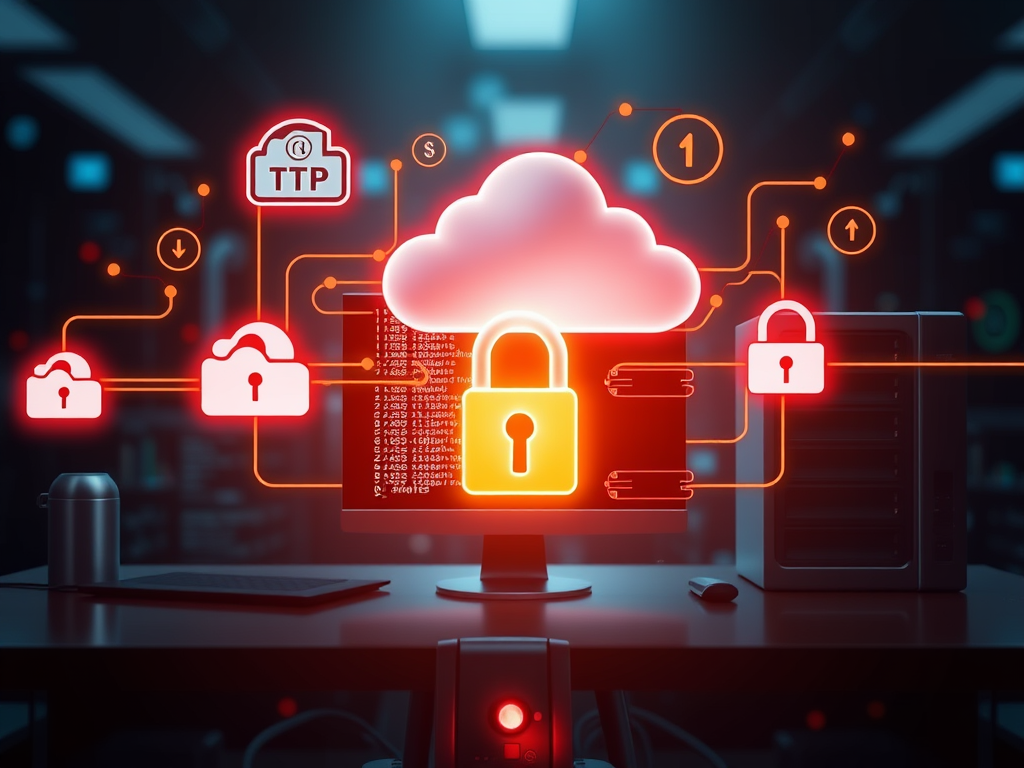
Backing up data is one of the most crucial habits in today’s digital world, and there are many tools to make this process simpler. One such option that has stood the test of time is FTP (File Transfer Protocol). Although newer methods like cloud synchronization and network storage have become popular, FTP still offers a reliable and flexible way to store and safeguard files. This article explores how FTP can be used for backups, walks through some practical examples, and provides real-world insights into how businesses and individuals are using it today.
Exploring How FTP Can Simplify Your File Backups
Using FTP to backup files means transferring your data to a remote server through a secure network connection. This method allows you to store copies of essential files offsite, adding a layer of protection against data loss caused by hardware failure, ransomware, or accidental deletion. FTP backups are particularly common in enterprise environments that manage large files or databases and need manual control over their backup process.
The flexibility of FTP comes from its compatibility with different systems and its ability to integrate into automated workflows. For example, scheduling backups using scripts or third-party tools such as WinSCP, Cyberduck, or FileZilla can ensure your files are synchronized regularly without constant manual effort. With the rise of SFTP (Secure FTP) and FTPS (FTP Secure), encryption also improves data security during transmission, reducing the risk of interception.
Key takeaways for using FTP backups effectively include:
- ✅ Always use SFTP or FTPS for secure transmission.
- 🔄 Consider automation tools to run backups on schedule.
- ☁️ Use FTP servers located offsite for better disaster recovery.
- 🧩 Combine FTP storage with local backups for redundancy.

Real-World Examples and Services Using FTP for Storage
Many organizations and individuals still depend on FTP for backup solutions because it integrates smoothly with older systems and legacy software. For instance, a small web design firm might automate their website file backups via an SFTP server every night to ensure client data is stored safely offsite. Similarly, educational institutions often use FTP servers to keep academic content synchronized between local and cloud storage.
Several public and private services offer FTP-based storage options. Examples include:
- BackupCow – provides local and remote backup solutions that can utilize FTP servers.
- Duplicati – an open-source backup tool supporting several protocols including FTP and SFTP.
- rsync over FTP setups – common in Linux environments where administrators prefer flexibility.
Each of these leverages FTP’s lightweight nature to handle transfers efficiently, particularly useful when dealing with large datasets or slow connections.
In one case study reported by TechRepublic, small data centers using FTP-based backups experienced up to a 30% reduction in downtime after implementing automated SFTP workflows. This demonstrates that while FTP may be traditional, when used correctly, it can still provide a significant return in reliability and performance. Its continued relevance comes down to stability, ease of use, and the ability to tailor processes to specific data needs.

In conclusion, FTP remains a viable and dependable method for backing up files—especially for users who want full control over where and how their data is stored. Although it may not boast the same seamless integration as modern cloud services, FTP’s adaptability and simplicity make it a solid choice for technical users and organizations with existing server infrastructure.
If you’re considering using FTP for backups, think about your security requirements, automation preferences, and frequency of updates. Balancing these factors helps determine whether FTP fits your backup strategy. Reflect on your current data protection setup—could FTP be the missing piece to enhance your backup resilience?
 Mini Mini | Standard | Domain Only |  Reseller 1 Reseller 1 | Reseller 2 | Reseller 3 |
| $12 per year | $9.99/month | low yearly prices | $20/month | $37.50/month | $50/month |
| *10 GB Space** *100 GB Bandwidth** *FTP access *10 email account *PHP/CGI/PERL/SSI Support *SSL | *100 GB Space** *1TB Bandwidth** *10 FTP accounts *100 email account *PHP/CGI/PERL/SSI Support *10 Databases *SSL WordPress, Joomla, or Drupal hosting | *10 Domains *10 GB Diskspace *200 GB of traffic *10 Databases *10 Mailboxes *WordPress options | *25 Domains *30 GB Diskspace *600 GB of traffic *30 Databases *30 Mailboxes *WordPress options | *50 Domains *60 GB Diskspace *1200 GB of traffic *60 Databases *60 Mailboxes *WordPress options | |
| Specials | |||||
 3 months on us. 1TB Bandwidth, FTP accounts, email accounts, PHP/CGI/PERL/SSI SupportD, Databases, Ability to add WordPress, Joomla, or Drupal. 3 months on us. 1TB Bandwidth, FTP accounts, email accounts, PHP/CGI/PERL/SSI SupportD, Databases, Ability to add WordPress, Joomla, or Drupal.
Don’t wait — grab your deal and launch today ** temporary offered | |||||
Discover more from Archer IT Solutons
Subscribe to get the latest posts sent to your email.


No responses yet