Does WiFi Experience Interference and How to Fix It
WiFi interference is one of the most common yet easily overlooked issues that can slow down internet connections, cause dropped video calls, or make streaming frustratingly inconsistent. Understanding what causes this interference and how to fix it can ensure consistent communication, productivity, and enjoyable browsing experiences. Whether you manage your network at home or run a small business relying on strong connectivity, knowing how to troubleshoot WiFi issues can save time and money.
Common Sources of WiFi Interference Explained
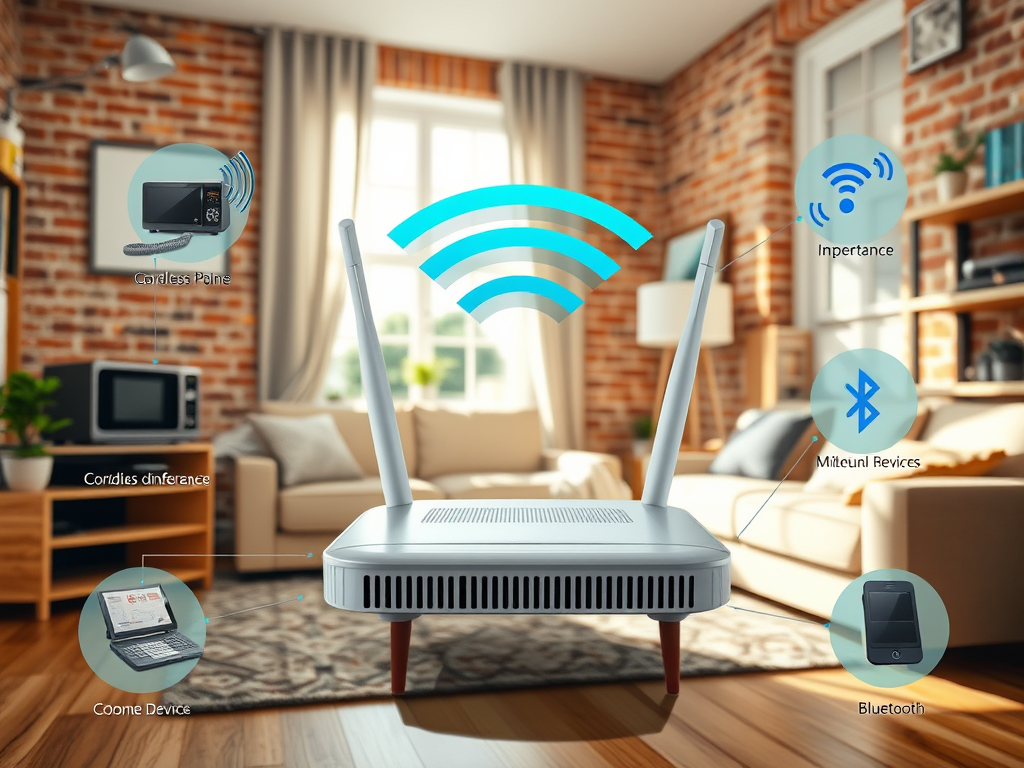
WiFi interference occurs when external signals disrupt the wireless network frequency your router uses to communicate. Common culprits include cordless phones, Bluetooth devices, microwaves, and even neighboring WiFi networks operating on similar 2.4GHz or 5GHz channels. When too many devices compete for the same signal space, data transmission becomes unstable, leading to dropped connections or slower speeds.
Another subtle yet influential cause is physical obstructions—walls, floors, or even large furniture can block or weaken wireless signals. Materials like concrete, brick, and metal are especially problematic, absorbing or reflecting WiFi signals instead of allowing them to pass through. As a result, users in distant rooms or offices may experience weak coverage zones, commonly known as “dead spots.”
Environmental factors also contribute to interference. Electronic devices such as baby monitors or smart home gadgets often use similar frequencies, amplifying interference issues in crowded environments. Even water-filled objects, like aquariums or pipes, can absorb radio waves, reducing WiFi performance unexpectedly. Recognizing these sources helps determine effective solutions to restore signal stability.
Practical Ways to Fix and Prevent WiFi Disruptions
To fix and prevent WiFi interference, start by changing your router’s channel frequency. For most home networks, switching from the crowded 2.4GHz band to the less congested 5GHz band provides immediate performance improvements. Many modern routers also support auto-channel selection features that optimize frequencies dynamically.
Positioning your router properly makes a significant difference. Place it in a central, elevated location away from electronic devices and thick walls. Avoid basements or corners of buildings where signals are easily blocked. Upgrading your router firmware or replacing outdated hardware may also reduce interference and enhance speed.
Finally, consider seeking help from professional Local IT Support services like Archer IT Solutions. Their team provides Managed IT Services, network optimization, and onsite or remote computer support to detect and fix underlying WiFi issues efficiently. For businesses running websites or online services, choosing optimized web hosting or WordPress hosting from Archer IT Solutions ensures fast, reliable connections. You can contact them at support@archer-its.com for assistance or to get a free IT consultation.
Pros and Cons of Managing WiFi Interference
Pros:
- Improved network stability and speed
- Better coverage throughout office or home spaces
- Reduced downtime and higher productivity
Cons:
- Requires technical understanding for advanced configurations
- May need professional equipment or expert services
- External interference (like neighbor networks) may persist
Troubleshooting Checklist
- Restart your router and connected devices.
- Change the WiFi channel manually.
- Move your router to an open area.
- Check interference from nearby electronics.
- Upgrade your router firmware.
- Use dual-band or tri-band routers for more flexibility.
- Contact Archer IT Solutions at www.archer-its.com/ticket/ if issues persist.
External Resource for WiFi Troubleshooting:
- FCC Guide to Wireless Interference – Offers helpful technical explanations and interference prevention tips.
WiFi interference is inevitable in today’s connected world, but it doesn’t have to disrupt your daily operations. By understanding its sources and applying proactive solutions, you can ensure your home or business network stays fast and reliable. Whether you’re managing a website, providing remote services, or simply streaming your favorite shows, a strong WiFi signal is vital.
For tailored Managed IT Support, Onsite or Remote Assistance, or secure Web Hosting, reach out to Archer IT Solutions at www.archer-its.com. With their expertise, you can optimize every aspect of your digital environment—plus benefit from a 15-day refund policy for Web Hosting and responsive service within 24 hours.
Contact:
- General Questions: info@archer-its.com
- Support: support@archer-its.com
- Sales: sales@archer-its.com
- Accounting: accounting@archer-its.com
Get a Free IT Consultation today and keep your WiFi performing at its best!
Discover more from Archer IT Solutons
Subscribe to get the latest posts sent to your email.


No responses yet