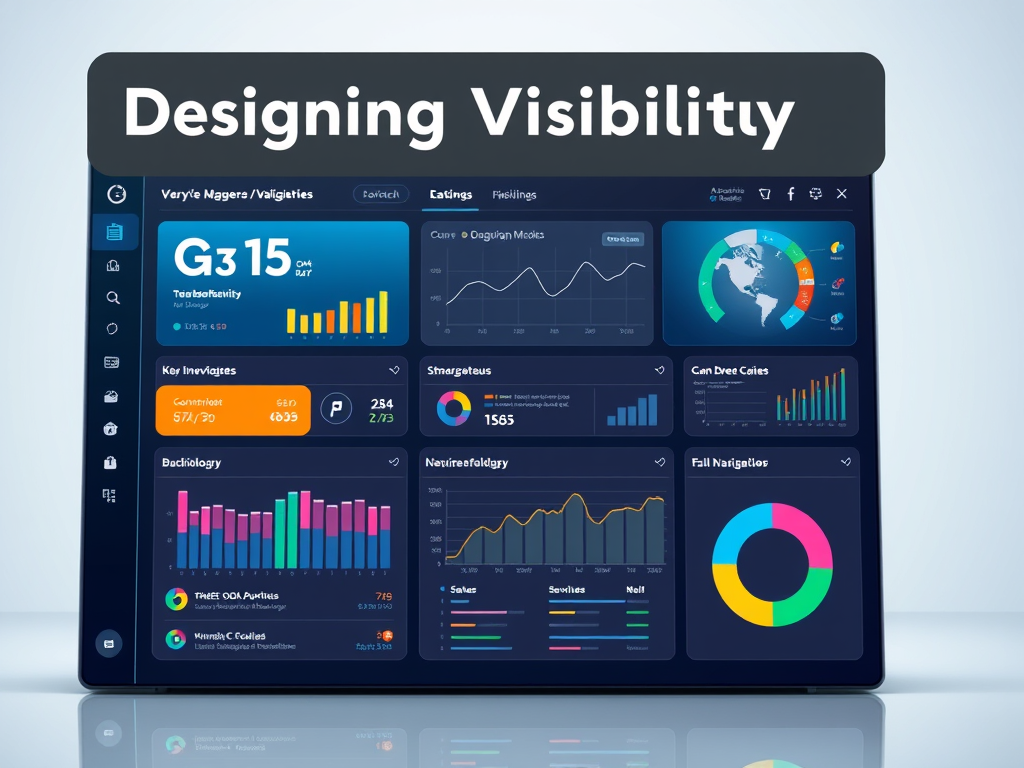
Designing Visibility: Keeping Key Information Always in Sight
In a world where attention spans are shrinking—according to a Microsoft study, the average has dropped to about 8 seconds—making sure that essential information stays clearly visible is critical. Whether in website design, software interfaces, or digital dashboards, the principles of visual hierarchy determine what users notice first and where they take action. This article explores how to structure visual focus and ensure vital details remain ever-present in the user experience.

Designing Visual Hierarchies That Guide User Focus
Creating a visual hierarchy means arranging elements so the user can intuitively identify what matters most. Studies by the Nielsen Norman Group found that users typically follow F-shaped scanning patterns when reading online. That means the top and left portions of a page are naturally favored for high-priority items—like navigation menus, logos, and key messages. Designers can strategically use size, color, and contrast to direct attention to these areas.
Another important factor is the use of white space. Contrary to common belief, white space is not wasted space—it’s breathing room for the eyes. It allows focus on crucial content without overwhelming the user. Similarly, using readable typography, consistent alignment, and predictable layout patterns further anchors the experience. Clear hierarchies decrease cognitive load, letting the user process important details more quickly.
Key takeaways:
- Place essential content (branding, navigation, search bars) in predictable top-left areas.
- Use larger font sizes and strong colors for the most critical data.
- Employ white space for visual relief and guidance.
Summary: A well-designed visual hierarchy not only enhances aesthetics but also strengthens user comprehension, ensuring the right information gets attention first.
Ensuring Key Information Remains Always Visible
What information must always be visible varies by context—but it often includes navigation, status indicators, and calls to action. For websites, this means keeping headers and essential menu items “sticky” or anchored during scroll. In dashboards, critical data like server uptime or user analytics should stay visible, even when filtering or navigating subsets of data. For IT service providers like Archer IT Solutions, displaying ongoing support statuses, ticket updates, and contact points is vital for client confidence.
Pros:
- Improved accessibility and faster user decisions.
- Immediate availability of emergency or support contact details.
- Reduced frustration and improved retention rates.
Cons:
- Can clutter interfaces if not balanced properly.
- Overuse of “sticky” elements may distract users.
Troubleshooting Common Issues:
Design incompatibilities often arise when plugins conflict with sticky headers or floating menu scripts. If elements overlap or disappear, check for CSS z-index conflicts or unsupported JavaScript versions. For technical troubleshooting, Archer IT Solutions offers responsive technical support—typically responding within 24 hours. For web hosting concerns, you can also reach out to support@archer-its.com for personalized assistance.
Further Reading:
Summary: Keeping vital elements consistently visible—like navigation or system status—prevents user disorientation and enhances trust in your digital environment.

Information visibility is the cornerstone of great digital design. To craft experiences that serve users well, always prioritize what they need to see first and longest. Reflect on your own site or platform—are the critical messages and tools always visible? If you’re uncertain or facing design or compatibility issues, consider reaching out to Archer IT Solutions for managed IT and web design support. Maintaining visibility isn’t just a design choice—it’s a service commitment to clarity, efficiency, and user satisfaction.
Starter Website
Use our AI bots to build a starter website for you.
$50 setup with hosting at $9.99 per month
Discover more from Archer IT Solutons
Subscribe to get the latest posts sent to your email.
Discover more from Archer IT Solutons
Subscribe to get the latest posts sent to your email.


No responses yet