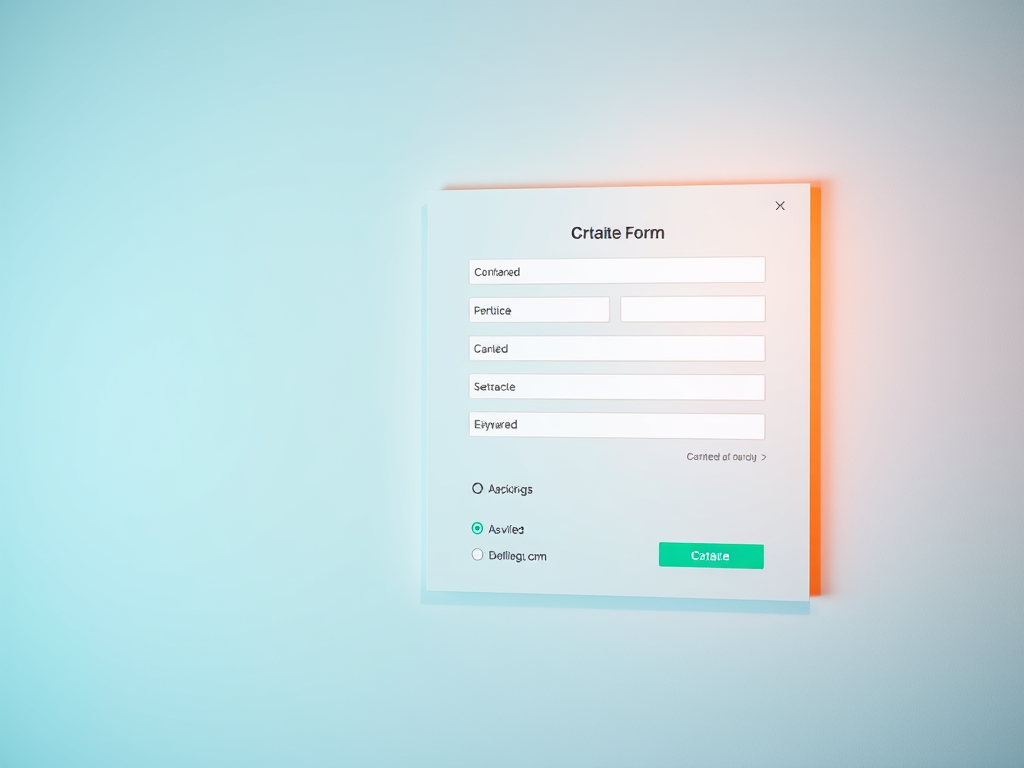
Designing Easy to Use Forms for Better Engagement

Creating an online form may seem simple, but designing one that users actually complete is an art form. The perfect combination of visual hierarchy, clear structure, and intuitive flow determines whether site visitors convert or abandon the page. Good form design improves engagement—and when done right—builds trust and encourages action. In this article, we’ll explore how to design easy-to-use forms by guiding user attention, leveraging visual hierarchy, and troubleshooting common design challenges.
Guiding User Attention Through Smart Form Design
When users encounter a form, their eyes instinctively follow a scanning pattern that prioritizes movement from the top-left corner to the right—and downward. Designers can take advantage of this behavior by structuring forms in a way that naturally guides users through each step. Properly spaced labels, clear headlines, and strategic use of whitespace lead to smoother interactions. For instance, a study from CXL Institute found that better visual flow can improve form completion rates by as much as 30%.
Designers should also minimize distractions. Unnecessary elements such as too many colors, dense text blocks, or irrelevant fields can break the visual path. Keeping it simple with progressive disclosure—showing only relevant fields at a time—helps users stay focused. Additionally, placing the most critical input fields at the top of the form ensures they capture attention early.
Key takeaways:
- Use whitespace strategically to define clear sections.
- Group related fields together visually.
- Position primary action buttons (like “Submit” or “Next”) where the eye naturally rests—typically bottom-right.
Summary:
Guided attention design helps ensure users not only see every field but engage with it intuitively, reducing friction and boosting efficiency.

Visual Hierarchy Tips to Make Every Field Count
Visual hierarchy is about defining what matters most visually. In form design, this can be done through contrast, color cues, bold labels, or subtle shading to direct the user’s gaze. A strong hierarchy ensures that important instructions stand out while secondary details remain accessible but unobtrusive. Websites like Smashing Magazine and NNGroup provide valuable insights into how hierarchy impacts interaction.
To make every field count, designers can experiment with input field size. Longer fields imply longer responses—like full addresses—while shorter fields hint at concise information such as a postal code. Typography also plays a role: using consistent fonts for labels and a slightly larger size for headlines helps create a cohesive rhythm across the form.
Pros:
- Improves usability and aesthetic appeal.
- Increases conversion by reducing cognitive load.
- Offers visual rhythm that encourages flow.
Cons:
- Overuse of visual cues can cause confusion.
- Too many focal points distract the user.
- Design-heavy forms may load slower on mobile.
Summary:
Visual hierarchy optimizes engagement by aligning users’ visual journey with your intended interaction path, ensuring forms feel simple, professional, and approachable.

Troubleshooting Common Issues and Plugin Compatibility
Sometimes, despite great design, forms fail due to technical inconsistencies—especially when using website builders or content management systems such as WordPress. Plugin conflicts are one of the most common roadblocks. Issues can include slow-loading fields, improper validation, or complete submission failures. Always test form plugins after updates since incompatibilities often appear when adding new themes or security tools.
Troubleshooting tips:
- Disable plugins one at a time to pinpoint conflicts.
- Check console logs in your browser’s dev tools for JavaScript errors.
- Ensure field validation scripts do not overlap between plugins.
- Contact your hosting provider or IT support for backend review.
For website owners using Archer IT Solutions hosting or design services, technical support is accessible at www.archer-its.com/ticket/. Queries can also be sent to support@archer-its.com for fast response, typically within 24 hours. This ensures both the user interface and the server environment operate smoothly, maintaining strong engagement performance.
Summary:
A well-designed form is only as good as its functionality. Routine troubleshooting and plugin management preserve reliability and user trust.
Designing forms that are easy to use isn’t just about aesthetics—it’s about empathy. By understanding user behavior, applying visual hierarchy, and ensuring technical stability, you create a smoother experience that encourages more submissions and meaningful engagement. Reflect on your own form layouts: are they truly guiding users toward completion? For more resources on UX form design, visit UX Collective and Interaction Design Foundation.
For professional guidance and website form optimization, reach out to Archer IT Solutions:
- Support: www.archer-its.com/ticket
- Email: support@archer-its.com
- Onsite or Remote IT Support: www.archer-its.com/onsite-service
Design smarter forms—your users, and your conversion rates, will thank you.
Power your website with an affordable web hosting plan that does not cut corners.
 Mini | Standard | Domain Only |  Reseller 1 | Reseller 2 | Reseller 3 |
| $12 per year | $1.99/month | low yearly prices | $20/month | $37.50/month | $50/month |
| *10 GB Space** *100 GB Bandwidth** *FTP access *10 email account *PHP/CGI/PERL/SSI Support *SSL | *100 GB Space *1TB Bandwidth *10 FTP accounts *100 email account *PHP/CGI/PERL/SSI Support *10 Databases *SSL WordPress, Joomla, or Drupal hosting | *10 Domains *100 GB Diskspace *2TB of traffic *100 Databases *100 Mailboxes *WordPress options | *25 Domains *300 GB Diskspace *6TB of traffic *300 Databases *300 Mailboxes *WordPress options | *50 Domains *600 GB Diskspace *12TB of traffic *600 Databases *600 Mailboxes *WordPress options | |
| Specials | |||||
Don’t wait — grab your deal and launch today ** temporary offered | |||||

Stop settling for slow, unreliable hosting. With Archer IT Solutions, get a robust website hosting plans that deliver speed, security, and the uptime. Grab your domain and hosting package in one seamless plan, optimized for WordPress, small businesses, and personal websites.
Enjoy affordable web hosting plans without compromises, complete with professional email, one-click CMS installs, and round-the-clock website hosting support. Built for Businesses. Perfect for WordPress. Take control of your online presence. Try it risk-free with our 15-day money-back guarantee.
Launch your first personal blog or scale a growing small business site with hosting optimized for performance. Get the best web hosting for plus simple setup — all powered by secure Linux servers and easy Plesk control panel.
Why Choose Archer IT Hosting?
- Free SSL Certificates – Protect customers & boost trust
- Custom Email Accounts included
- One-Click CMS Installs – WordPress, Joomla & Drupal ready
- 15-Day Money-Back Guarantee – Risk-free hosting
- 24/7 Customer Support and Service – Real help when you need it
- Features you’ll actually will use
- Powered by Linux for speed & reliability
- Simplified management with Plesk Control Panel
- Automatic backups for worry-free security
Trust. Reliability. Zero Guesswork.
Your website stays online with uptime, protected by a free SSL certificate, and supported by real people around the clock. And if it’s not right for you? Our 15-day money-back guarantee makes it a no-risk choice. Take your business or personal project online with hosting that’s secure, affordable, and built to perform.
Questions
Discover more from Archer IT Solutons
Subscribe to get the latest posts sent to your email.
Discover more from Archer IT Solutons
Subscribe to get the latest posts sent to your email.


No responses yet