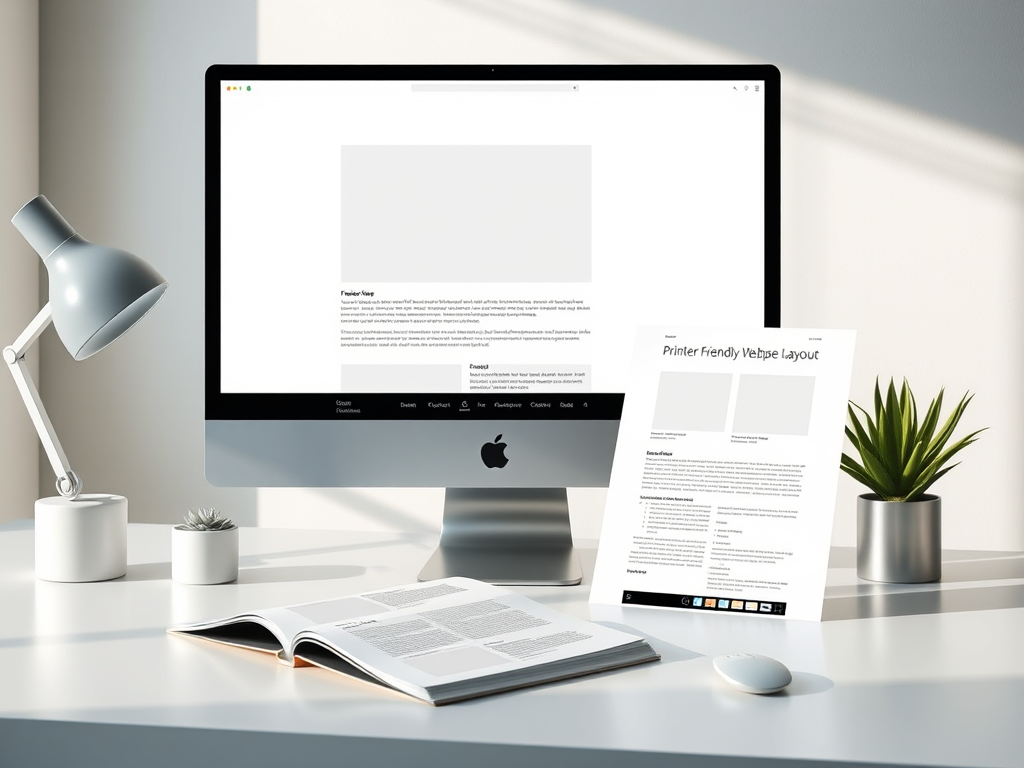
Creating Printer Friendly Options for Better Readability
In today’s digital-first world, many web pages are built for on-screen viewing, yet printing remains a valuable way for users to read offline. A printer-friendly layout helps readers absorb content easily without clutter or wasted ink. For developers, designers, and IT teams—such as those at Archer IT Solutions—having well-structured, printer-optimized designs can improve user satisfaction and brand perception.
A printer-friendly page is more than a stripped-down version of your website; it’s a redesigned experience meant for clarity. The goal is to ensure text is legible, images are optimized, and unnecessary elements like navigation menus or ads are removed from print versions. Readers want clean, digestible information that translates from screen to paper flawlessly.
Archer IT Solutions emphasizes web design strategies that accommodate all reading preferences—digital or printed. Their web design services help ensure your sites are accessible, visually appealing, and practical in any format.
Designing Printer-Friendly Layouts for Clearer Reading
When designing printer-friendly layouts, consider the readability of text first. A clean sans-serif font, appropriate line spacing, and margins that mimic word-processing documents help ensure information prints neatly. Remove color-heavy backgrounds and replace them with white or light tones to reduce ink usage. Maintaining a consistent font size (typically between 11–13pt) makes documents easy to scan on paper.
Use CSS media queries like @media print to define how your page should look in print mode. This allows developers to hide interface elements such as navigation bars, side widgets, or video sections. Minimalism is key; too much information can overwhelm readers. Instead, focus on the content’s hierarchy—titles should stand out while subtopics remain easy to find.
Example:
Below is a simple CSS snippet often used for printer-friendly layouts:
@media print {
  nav, footer, .ads, .sidebar { display: none; }
  body { font-size: 12pt; color: #000; background: #fff; }
}
Pros: Easy to implement and improves reader focus.
Cons: Without proper testing, some essential elements may be hidden.
For additional guidance, refer to Mozilla’s CSS Printing Guide —a useful non-commercial resource.
Enhancing Page Structure to Improve Print Readability
The visual hierarchy of a webpage matters equally in print. When users scan physical pages, their eyes often start at the top-left, moving down diagonally. Thus, placing headlines and key summaries where the eye naturally lands enhances engagement. Large headings, bold subheadings, and numbered lists guide the reader effectively.
White space is another crucial factor. On paper, too little spacing can make text appear dense. Balance spacing between paragraphs and use clear section breaks. Including page numbers or a small website footer (showing page URL) is also beneficial—especially when printing long documents for future reference.
When implementing these design improvements, test your results on multiple printers and paper sizes. Troubleshooting may include correcting image scaling issues, resolving CSS overrides, or reformatting margins. For web administrators or developers needing help with print optimization or troubleshooting, Archer IT Solutions offers managed IT services and can provide tailored consultation.
Pros: Boosts comprehension, professional appearance, and offline usability.
Cons: Requires maintenance for evolving content or layout updates.
Troubleshooting Printer-Friendly Options
Sometimes, pages don’t print as expected—fonts look too small, images are cut off, or links disappear. To troubleshoot, start by previewing the print layout in the browser. Double-check your CSS print styles for hidden elements that users may still need, such as embedded contact links. Browser compatibility can also play a role—what works in Chrome may display differently in Firefox.
Common fixes include forcing image scaling, defining max-width and height parameters, and ensuring that hyperlinks are visible in their text form, such as converting “Contact Us” into “Contact Us: www.archer-its.com/ticket/”. For more advanced layout problems, reaching out to IT support can save hours of guesswork. You can contact Archer IT Solutions support or email support@archer-its.com for expert help.
For in-depth reading about print optimization, non-commercial sources like Smashing Magazine’s Print CSS Guide are great references. These tutorials help developers stay updated on HTML5 and CSS3 printing standards.
Creating printer-friendly options isn’t just about saving ink—it’s about respecting the reader’s time and enhancing accessibility. A thoughtful, well-designed print layout communicates professionalism, clarity, and usability long after the screen turns off.
If your business website lacks a printer-friendly version, now is the time to optimize it for better readability. For help implementing these strategies or improving your website design, explore Archer IT Solutions Web Design Services today.
Call to Action:
Enhance your user experience, both online and on paper—contact Archer IT Solutions at sales@archer-its.com for expert guidance tailored to your business needs.
Supplementary Link: Read about Designing for Print Accessibility to further understand how accessibility and print optimization go hand in hand.
Discover more from Archer IT Solutons
Subscribe to get the latest posts sent to your email.


No responses yet