Latest Comments



Understanding Bandwidth: Key to Faster Internet Speeds
Bandwidth is the maximum data transfer rate of an internet connection, measured in bits per second. Higher bandwidth allows for faster download and upload speeds,[…]

Maximizing Speed with IEEE 802.11n Technology
IEEE 802.11n enhances Wi-Fi speed and range through MIMO technology and channel bonding. To maximize performance, ensure devices support MIMO, enable channel bonding, position the[…]

Understanding Computer Networks: Types and Functions
Computer networks facilitate communication and data exchange between devices, categorized into types such as LAN, WAN, MAN, PAN, and SAN. Their primary functions include enabling[…]

Applications and Benefits of VLF Radio Waves
Very Low-Frequency (VLF) transmissions operate between 3 kHz to 30 kHz, allowing long-range communication and deep penetration into water and Earth. They are utilized in[…]

Understanding Signal Amplifiers: Boost Your Signal Strength
A signal amplifier enhances the initial signal’s power, enabling it to travel greater distances and mitigate interference. These devices are widely utilized in applications such[…]
Understanding SSID: The Key to Your Wireless Network
Wi-Fi networks rely on Service Set Identifiers (SSIDs) to connect devices. An SSID is a unique name, visible while searching for networks, helping users identify[…]

Kotlin Programming Basics: A Beginner’s Guide
Kotlin is a powerful programming language that requires setting up a development environment. It features basic syntax, such as defining variables, data types, control flow,[…]
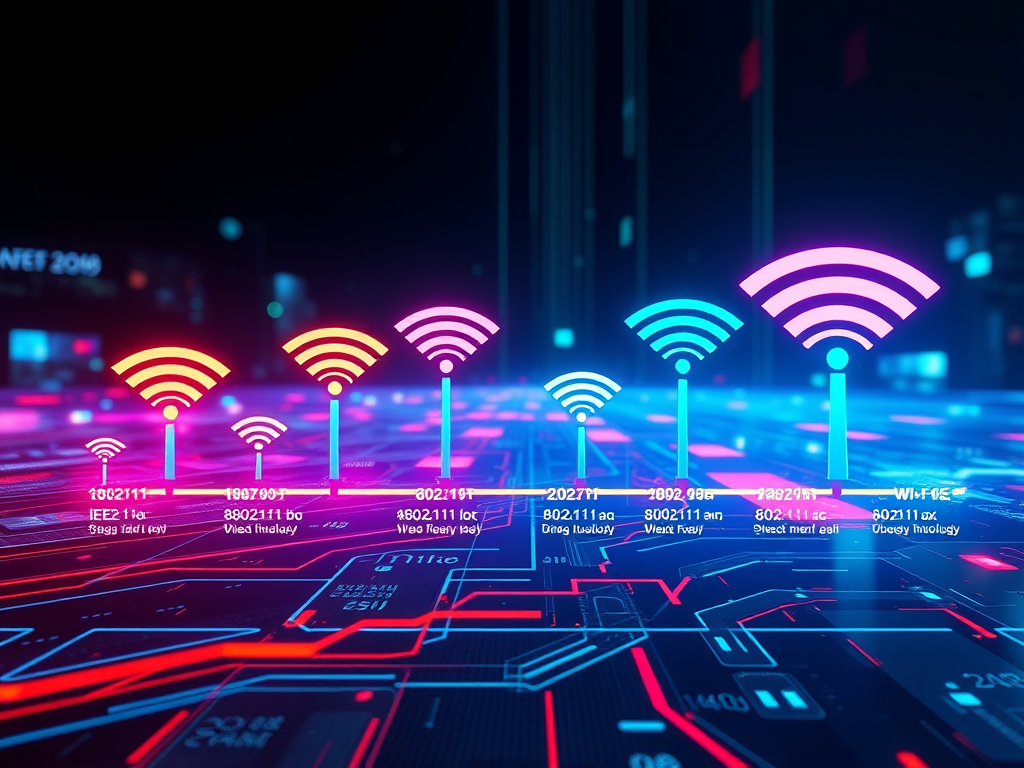
The Evolution of Wi-Fi Technology Since 1997
Wi-Fi technology has evolved significantly since the 1997 IEEE 802.11 standard, initially enabling 2 Mbps wireless data transfer. Key developments include 802.11b (1999) at 11[…]

Understanding Wide Area Networks: Key Features Explained
A Wide Area Network (WAN) connects multiple local area networks over extensive geographical distances, enabling communication and data exchange across cities or countries. Key characteristics[…]

Understanding WiMAX: Key Features and Benefits
WiMAX is a broadband wireless technology that delivers high-speed internet over distances of up to 50 kilometers. It supports both fixed and mobile access, making[…]
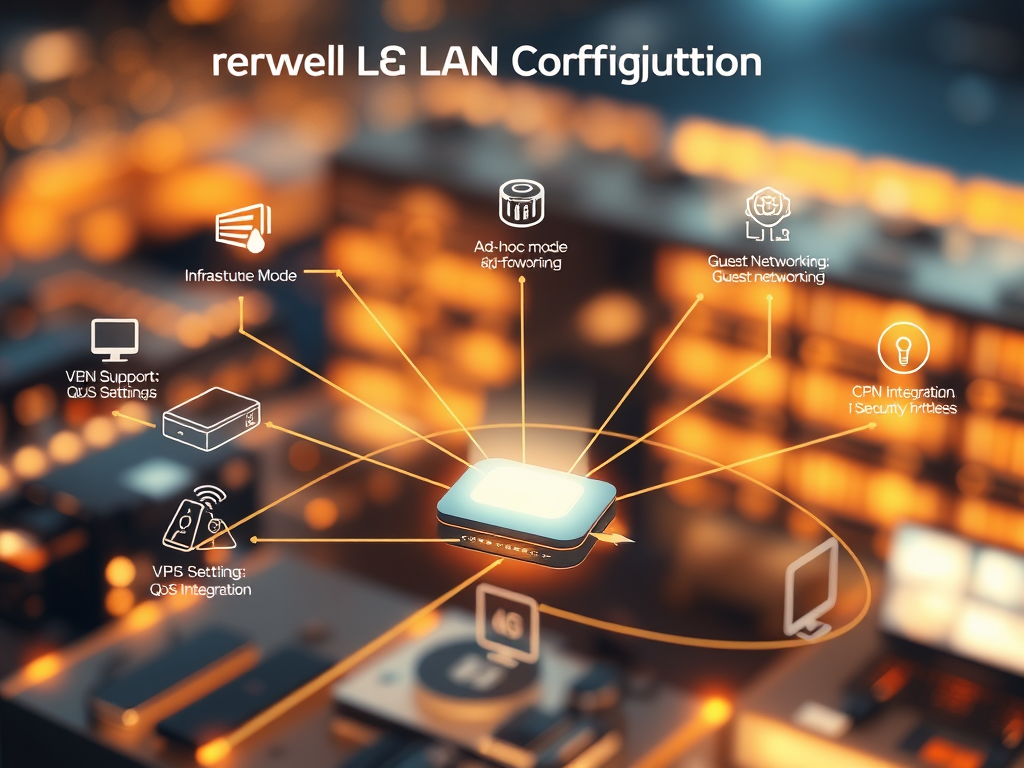
Essential Wireless LAN Configurations Explained
Wireless LAN configurations vary widely based on network design and requirements. Key setups include Infrastructure Mode with single or multiple access points, Ad-Hoc connections, Mesh[…]
Understanding MAC Layer Access Methods
The MAC layer employs various methods to manage network access, ensuring efficient communication. Common methods include CSMA (with its CSMA/CD and CSMA/CA variants), TDMA, FDMA,[…]
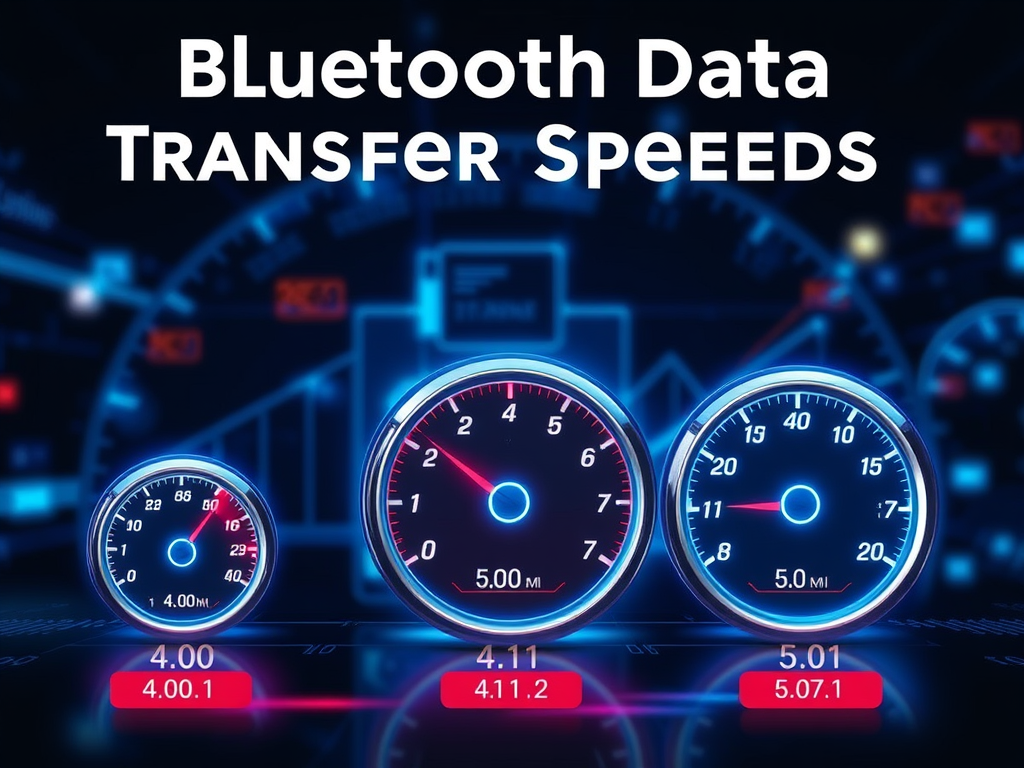
What is the data transfer speed of Devices That Are Connected to Bluetooth?
Bluetooth data transfer speeds are influenced by the version used. Bluetooth 4.0 supports up to 25 Mbps, while 4.1 offers similar speeds with enhancements. Bluetooth[…]
Understanding USB Data Transfer Speeds
USB technology has evolved through various standards, enhancing data transfer speeds significantly. These include USB 1.1 (1.5-12 Mbps), USB 2.0 (up to 480 Mbps), USB[…]

The WI-FI uses standard specifications
Wi-Fi technology relies on standardized specifications developed by IEEE under the 802.11 family, ensuring device compatibility, security, and performance. Key aspects include various standards like[…]
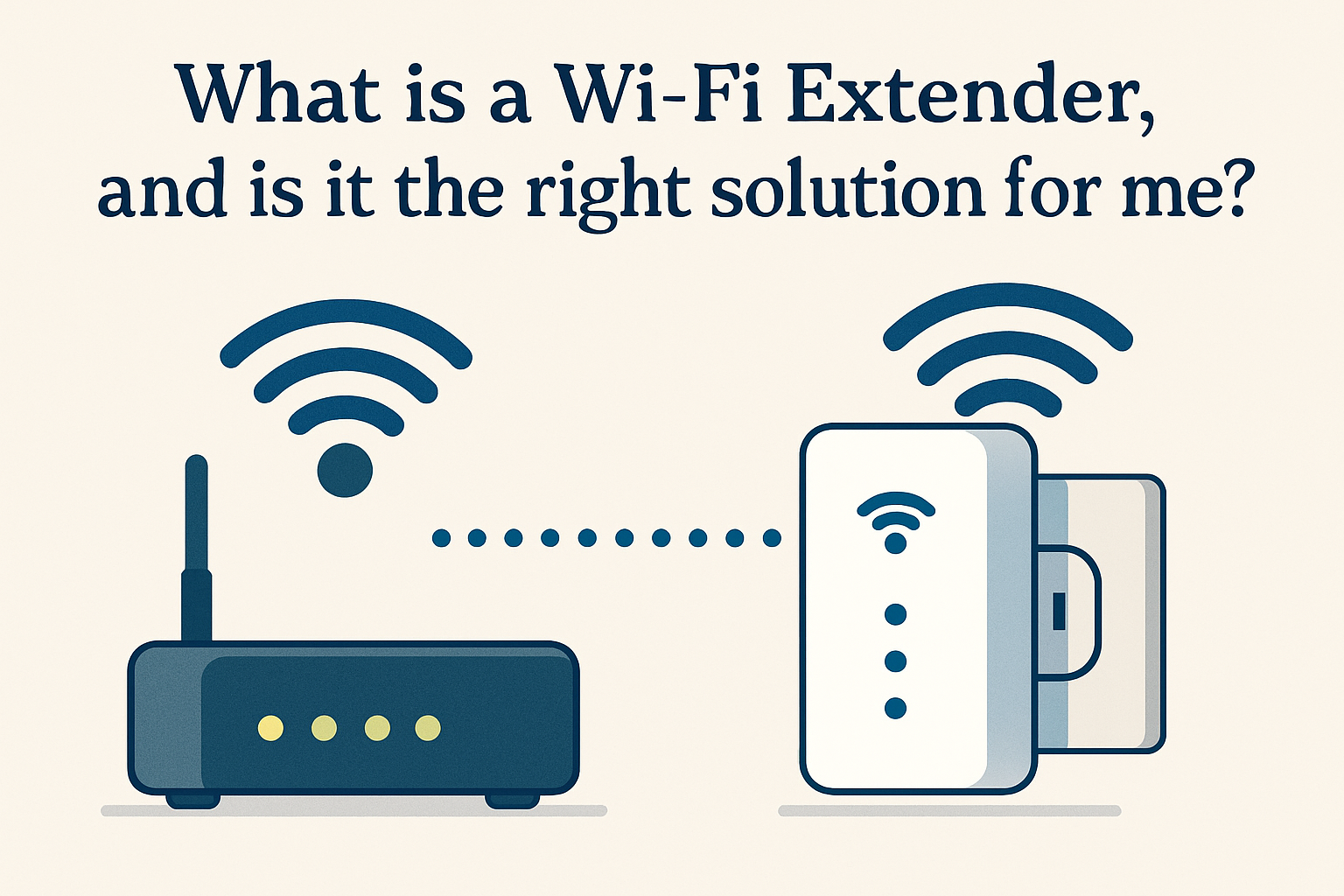
Maximize Wi-Fi Coverage with Extenders
Maximize Wi-Fi Coverage with Extenders A Wi-Fi extender, also known as a Wi-Fi repeater or booster, is a device designed to amplify and extend the[…]
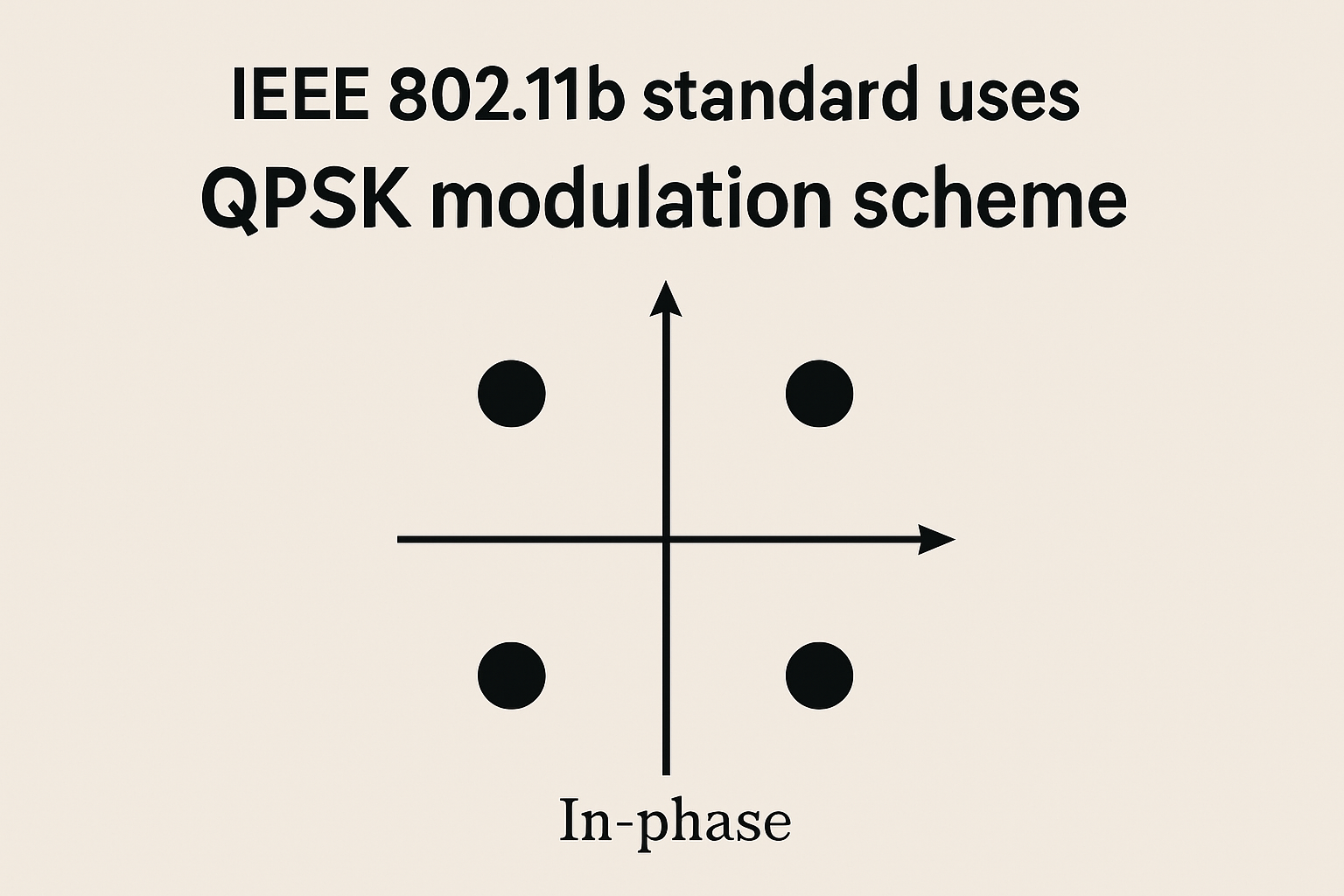
The Role of Key Modulation Techniques in IEEE 802.11b
IEEE 802.11b, part of the WLAN standards, utilizes key modulation techniques like Direct Sequence Spread Spectrum (DSSS) and Complementary Code Keying (CCK). DSSS enhances interference[…]
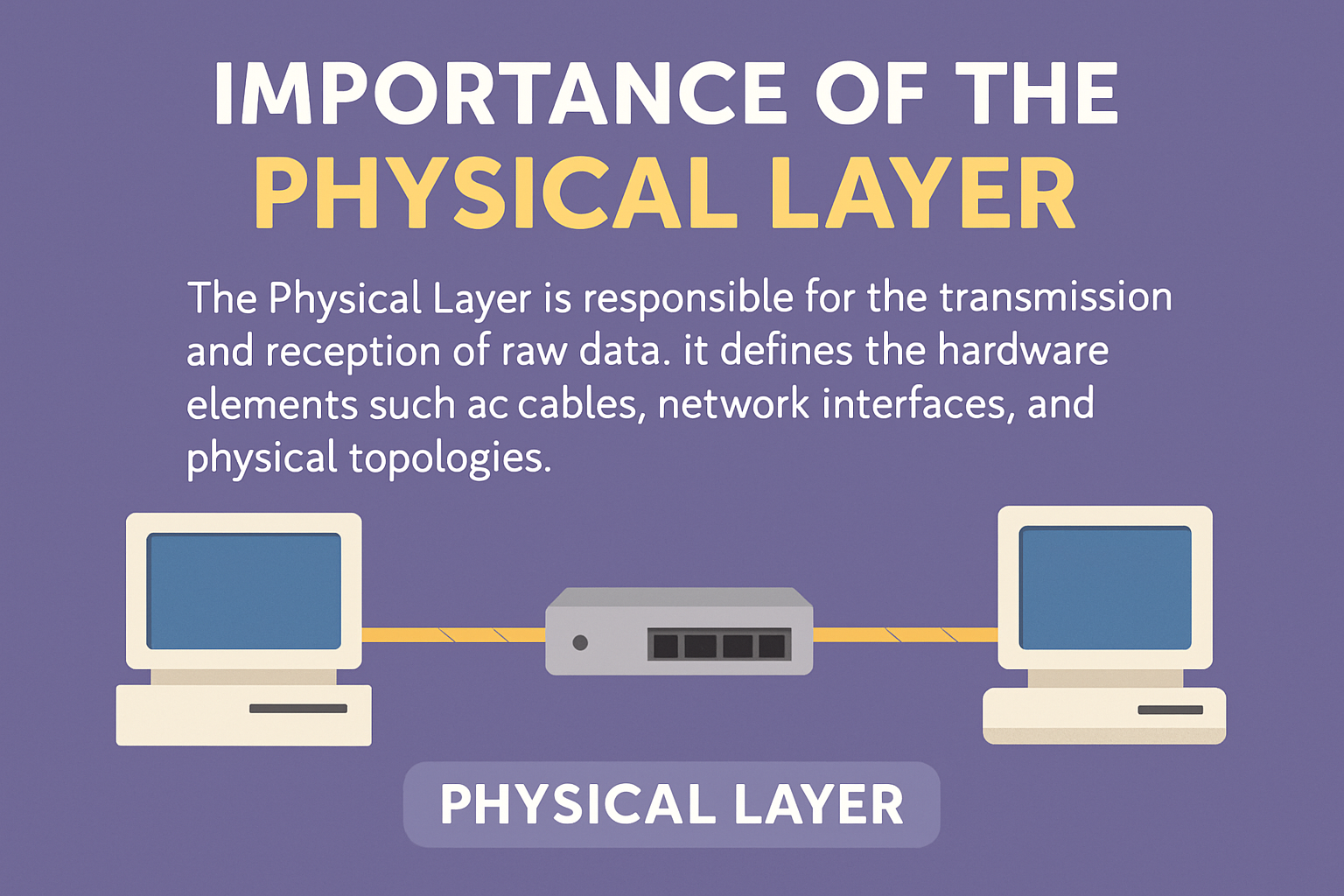
Understanding the Physical Layer in Networking
Understanding the Physical Layer in Networking The physical layer serves as the foundational component of any communication network, responsible for the transmission and reception of[…]
What is ID when the wireless MANs?
What is ID when the wireless MANs? In the context of Wireless MANs (Metropolitan Area Network) the term “” typically refers to a unique identifier[…]
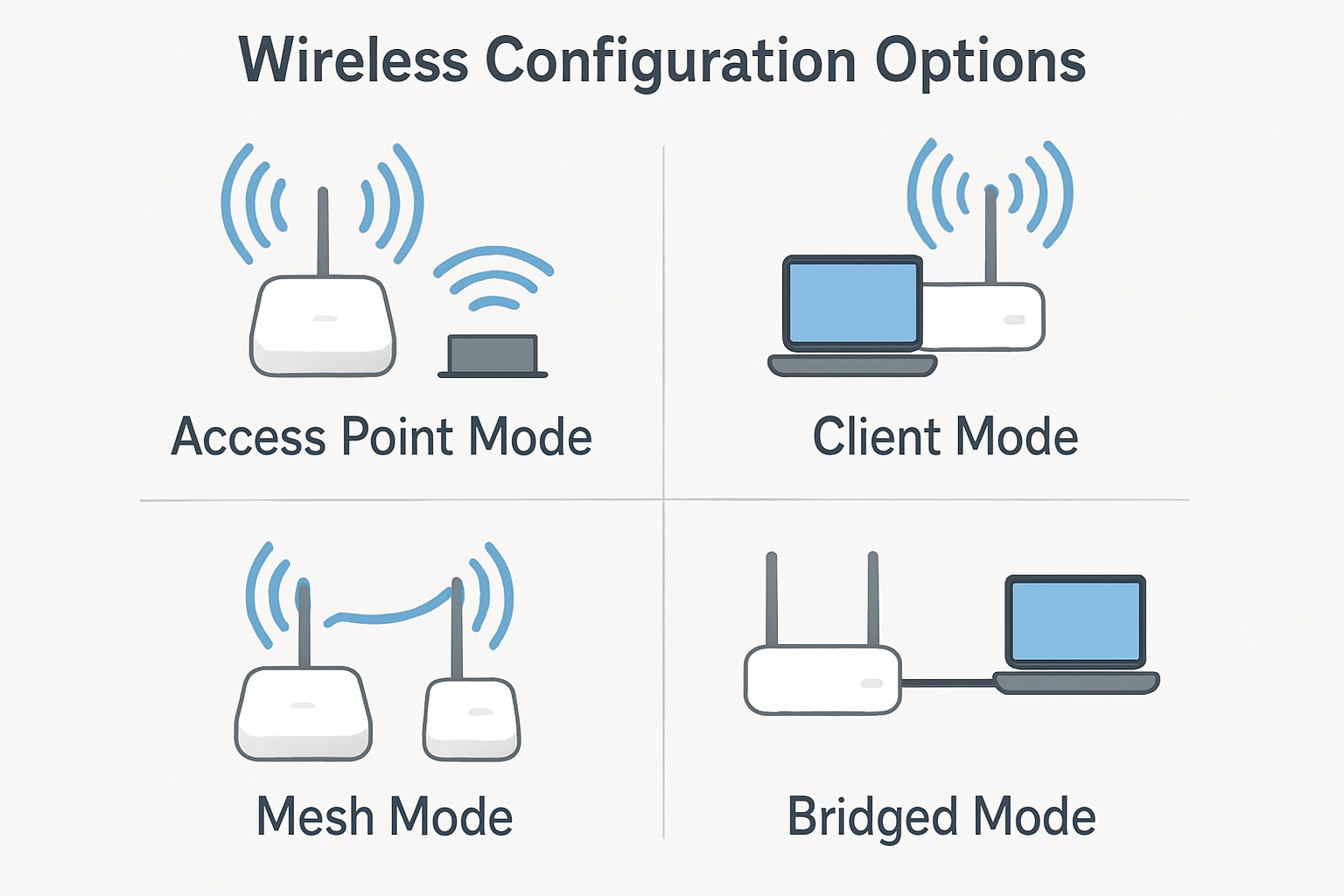
Maximize Wireless Network Configurations
Maximize Wireless Network Configurations The configuration of wireless stations, including access points and clients, can vary significantly based on several factors such as hardware capabilities,[…]
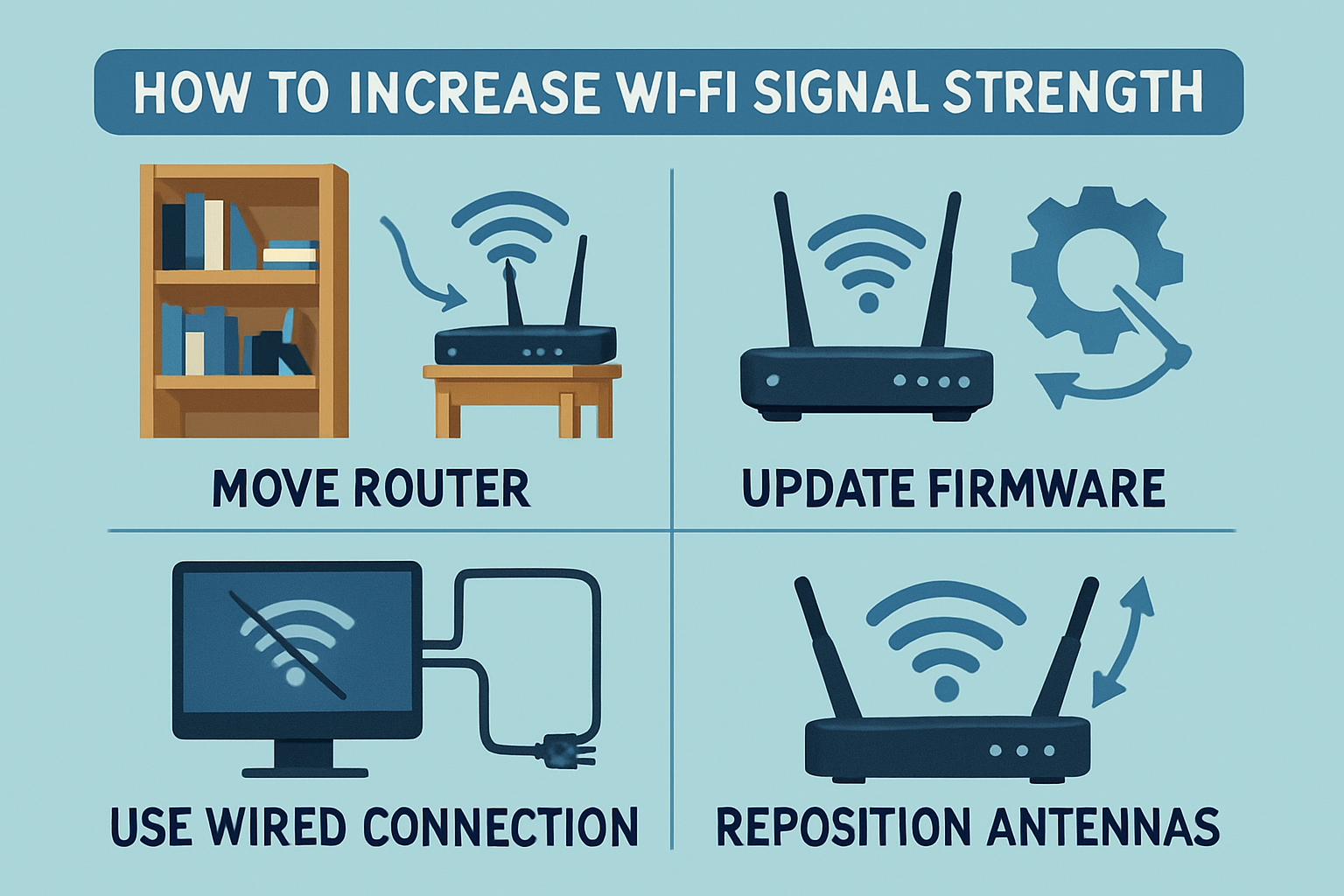
How can I increase my Wi-Fi signal strength?
How can I increase my Wi-Fi signal strength? 1. Optimal Router Placement Position your router in a central location within your residence or office, elevated[…]
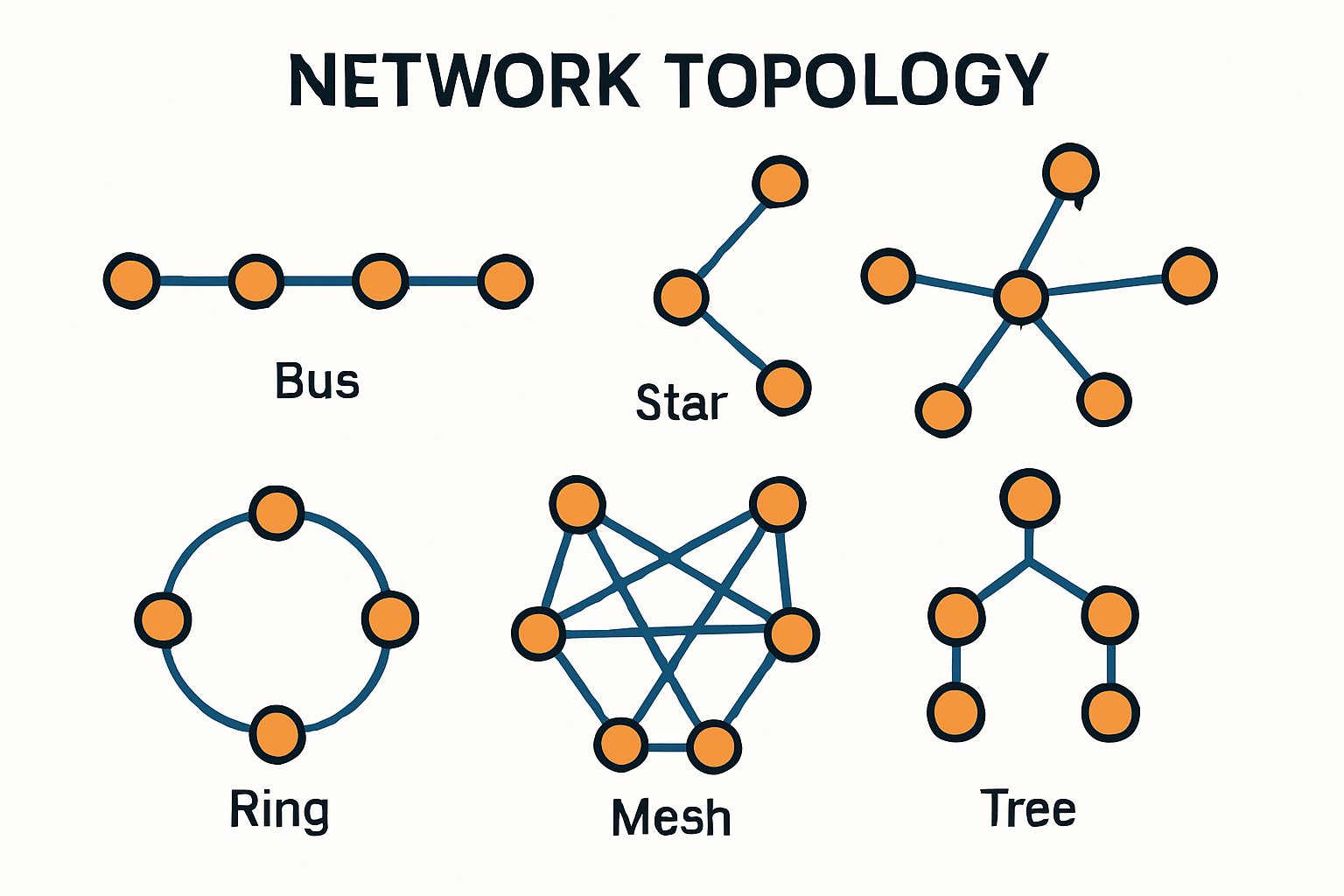
What is a network topology?
What is a network topology? A network topology refers to the physical or logical arrangement of various elements within a computer network. It defines how[…]
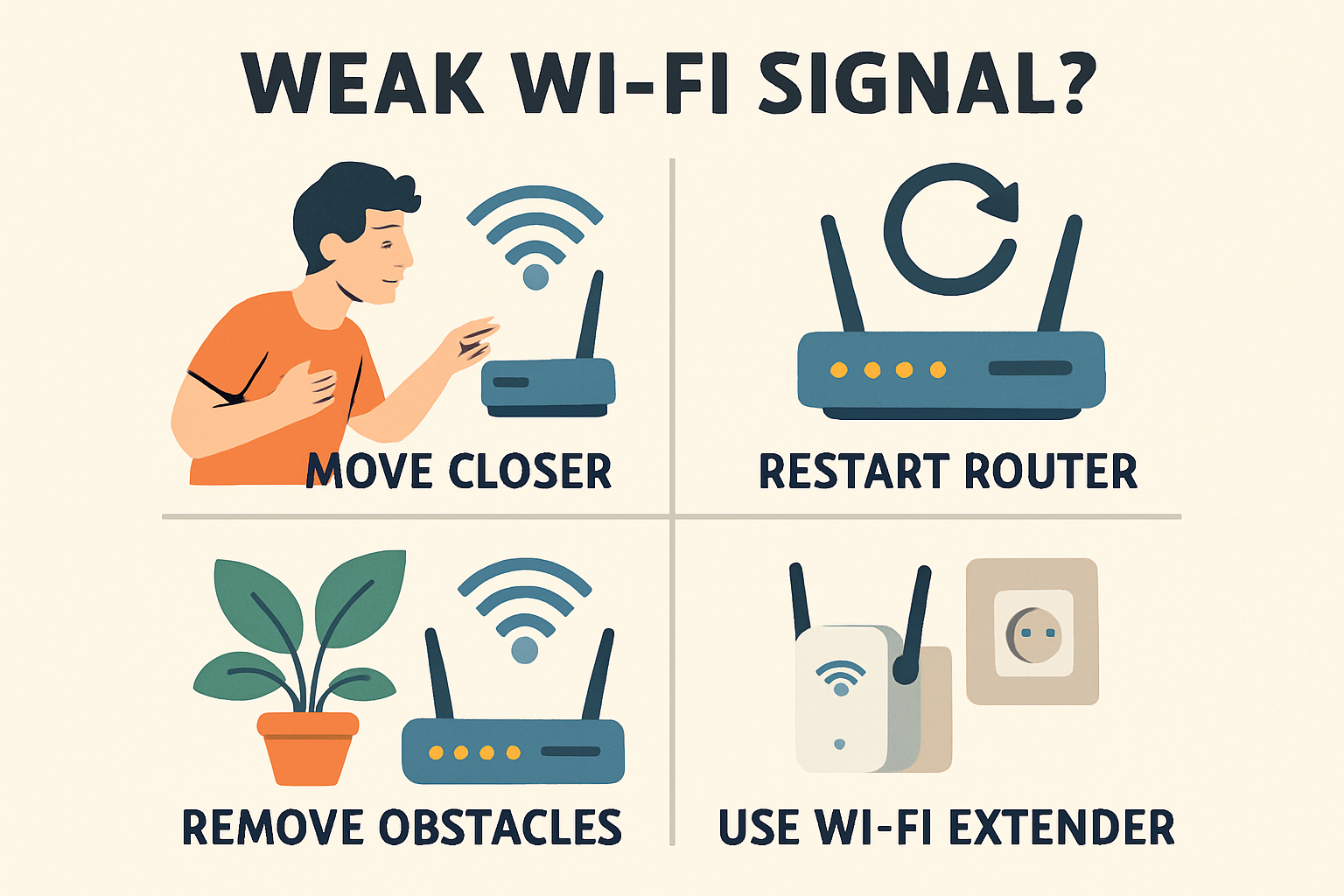
What can I do if my Wi-Fi signal is weak?
What can I do if my Wi-Fi signal is weak? A weak Wi-Fi signal can significantly hinder your online experience, causing slow speeds and connectivity[…]
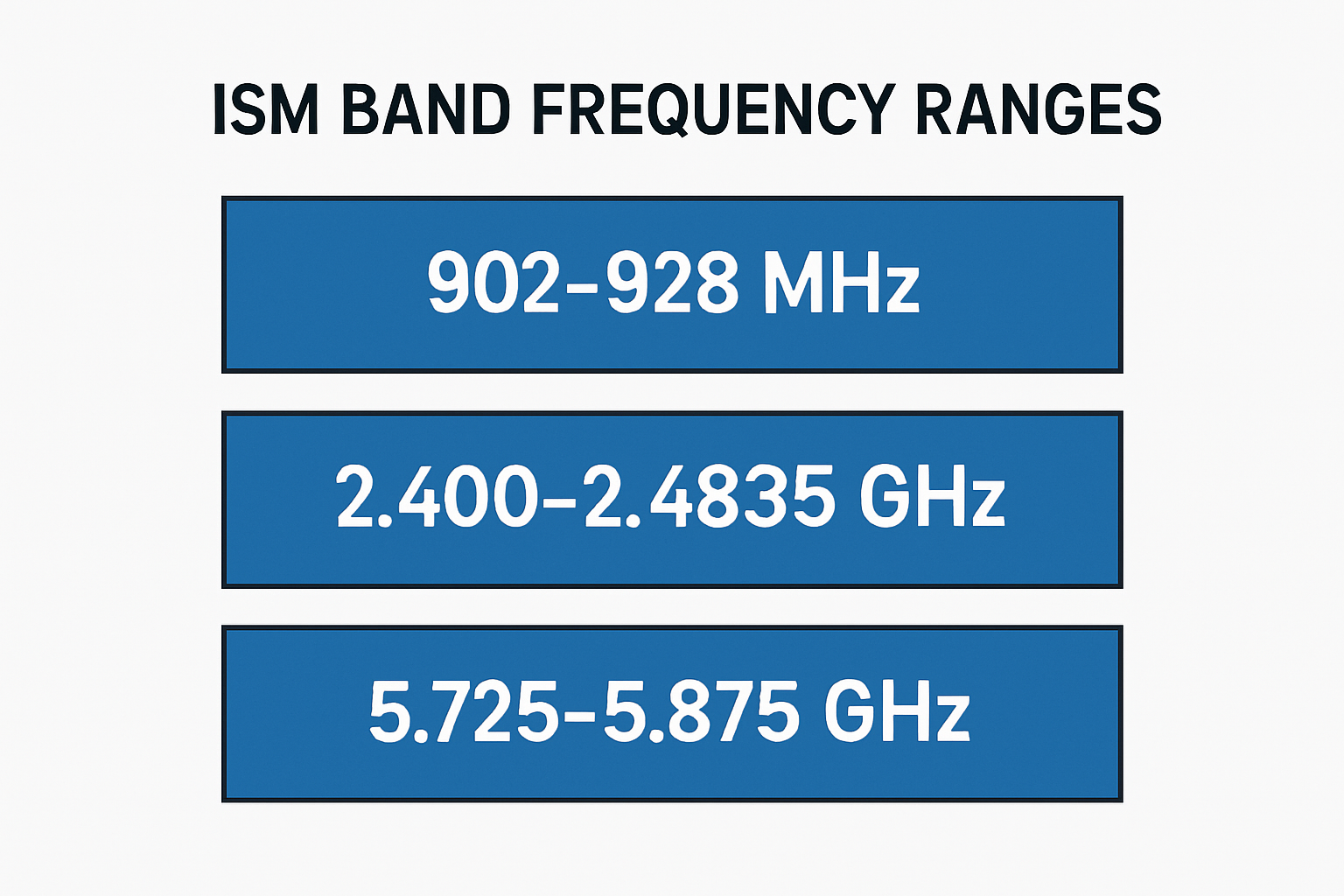
How many ranges does the ISM band have?
How many ranges does the ISM band have? The Industrial, Scientific, and Medical ISM band is divided into several frequency ranges that are designated for[…]
Discover how Wi-Fi technology revolutionizes connectivity with seamless wireless access, enhancing mobility, flexibility, and convenience in everyday life.
Discover how Wi-Fi technology revolutionizes connectivity with seamless wireless access, enhancing mobility, flexibility, and convenience in everyday life. Benefits of Wi-Fi Technology Wi-Fi technology enables[…]
