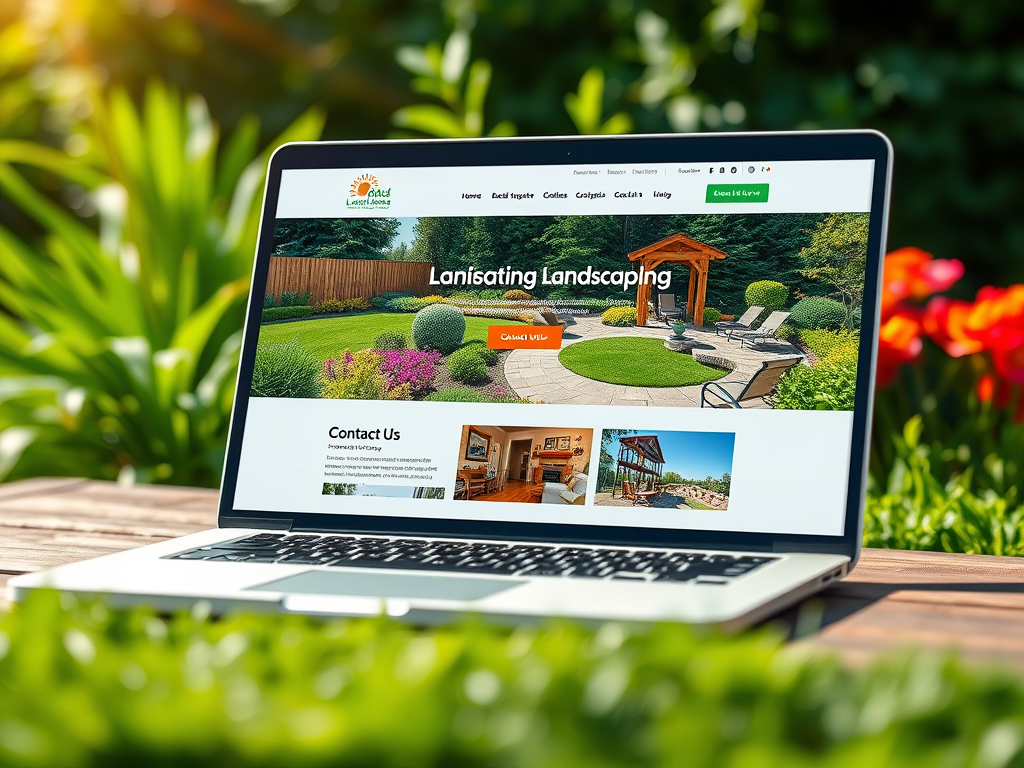
If you own a landscape business, your website is more than a digital brochure—it’s your brand’s first impression, your portfolio, and your main connection to potential customers. Creating the right type of website is key to attracting clients, showcasing your work, and differentiating your services from competitors in your market. A well-designed site doesn’t just look good—it communicates trust, makes browsing simple, and provides clear paths to get in touch or request a quote.
Below, we’ll break down what kind of website works best for a landscaping business, how you can design one that builds credibility, and how to use visuals and structure for better user engagement. You’ll also find real-world examples, practical design tips, insights on plugin compatibility, and the pros and cons of various website features.
Designing a Landscape Business Website That Builds Trust
When designing a landscape business website, trust and professionalism must come first. Visitors often decide within 0.05 seconds whether they trust a website enough to stay, according to a Stanford Web Credibility study. For a landscaping company—where clients rely on visual appeal and workmanship—this decision is especially important. A clean, modern layout with ample white space immediately conveys reliability. Include a homepage that introduces your company, briefly mentions your service area, and makes your contact options clearly visible.
In addition, use real photos of your completed landscaping projects. Stock imagery can feel generic, whereas actual photos of lawns, gardens, and patios you’ve designed help you demonstrate expertise and authenticity. A “Before & After” gallery works well to show potential clients the transformation you deliver. Websites like Houzz and Land8 are great for inspiration—both highlight professionalism through clean design and compelling visuals.
Finally, make sure your About Us and Testimonials pages build confidence. Include information about your business history, licensing, and any certifications (for instance, National Association of Landscape Professionals membership). Incorporate real customer reviews and star ratings for credibility. Positive social proof increases inquiry rates by as much as 270% (according to Spiegel Research Center), so showcasing client satisfaction can have a measurable impact.
Key takeaways:
- Use genuine images of your completed work.
- Keep your layout uncluttered and professional.
- Highlight client testimonials and credentials to reinforce trust.
Real Examples and Design Tips for Strong User Engagement
When it comes to user engagement, the structure of your content is as crucial as its quality. People read web pages in an F-pattern, meaning their eyes start at the top-left, scan across, then move down and scan again. This is why your business name, contact information, and main navigation should sit near the top-left or top-center area. You can guide users’ attention using visual hierarchy—for example, using larger fonts for section headings, or placing your call-to-action (“Request a Quote”) in a contrasting color.
Take the example of Green Thumb Landscaping, which uses clear headlines, service categories, and compelling before-and-after photos that lead visitors toward a contact form. The site maintains visual simplicity yet makes it easy for potential customers to understand the company’s expertise. Similarly, Wilson Bros Landscaping uses well-organized galleries and mobile-friendly layouts to ensure consistent engagement across devices.
To improve engagement, also consider adding a blog or tips section on topics like “Best Plants for Low-Maintenance Yards” or “How to Prepare Your Lawn for Summer.” A blog not only demonstrates industry authority but also boosts SEO visibility. According to HubSpot, companies with blogs generate 67% more leads than those without one. Ensure every article contains a subtle call-to-action linking to your contact or quote page. A blog helps keep your website fresh and relevant, which users—and search engines—appreciate.
Key takeaways:
- Structure content according to known scanning patterns.
- Use size, color, and typography to lead the user’s eye.
- Incorporate a blog to improve engagement and SEO.
Practical Pros and Cons of Website Features
When planning your landscaping business website, you’ll likely face decisions about which features to include. Each comes with advantages and drawbacks. For example, a photo gallery creates an immediate visual impact but can slow down load times if images aren’t optimized. A video header adds motion and interest but may distract users or impact mobile performance.
Pros:
- High-quality images showcase your craftsmanship and inspire potential clients.
- Interactive quote forms make it easier for visitors to request services directly.
- Customer testimonials build trust and credibility.
- Integration with Google Maps helps users identify your service area.
Cons:
- Overly complex animations or sliders can hamper site speed.
- Non-responsive design (i.e., not mobile-friendly) turns away mobile visitors—over 60% of web traffic now comes from mobile devices.
- Too many plugins can create compatibility issues and increase vulnerabilities if not updated regularly.
Balancing performance and personality is key. Use plugins sparingly, ensuring only reliable, regularly updated options are installed. Too many conflicting plugins can break critical pages or forms, leading to poor user experience.
Troubleshooting Common Plugin Compatibility Issues
Plugins extend website functionality—adding form integrations, galleries, SEO tools, and more. However, landscape business owners without a technical background often struggle with plugin conflicts. A common sign of a conflict includes sudden formatting changes, broken images, or slow load times after installing a new plugin. The best approach is to deactivate recently installed plugins one by one to identify the cause, then check for updates or compatibility notes from the plugin developer.
Archer IT Solutions, for example, provides web hosting and technical support for plugin troubleshooting. If a plugin on your landscape website is causing page errors or conflicts, their team can help identify and resolve issues efficiently through their IT support system—visit www.archer-its.com/ticket/ or email support@archer-its.com for assistance. Their web hosting service (www.archer-its.com/web-hosting) offers stable, secure environments optimized for plugins like Elementor or WPForms, which are common in landscaping websites.
If you maintain your site independently, always backup your data before major updates. Plugin-related issues often stem from version mismatches between the WordPress core, theme, and plugins. You can reduce risks by keeping everything updated regularly. A staging environment—available from most managed hosts—can allow you to test changes safely before going live.
Setting Up Hosting and Technical Support That Grows With You
Your website’s performance depends on quality hosting. A slow or unreliable website frustrates visitors and harms your SEO. According to Google, 53% of users abandon a mobile site that takes longer than 3 seconds to load. Landscapers who rely on high-resolution imagery especially need fast hosting to handle image-heavy content without lag.
Companies like Archer IT Solutions provide web hosting specifically designed to handle small to medium-sized business websites with strong uptime reliability. They also offer managed IT support services (www.archer-its.com/managed-it-services) and web design assistance (www.archer-its.com/web-design-services)—ideal for busy business owners who can’t spend time troubleshooting performance issues. If you require in-person adjustments or technical maintenance, their onsite or remote computer support (www.archer-its.com/onsite-service) is available.
The benefit of using managed hosting over standard shared hosting is that experts handle security patches, performance tuning, and troubleshooting—reducing downtime and leaving you free to focus on serving clients. The downside? Managed hosting can cost slightly more, but the convenience and reliability it provides often justify the investment for growing landscape businesses.
Real-Life Case Studies: What Works for Landscaping Firms
To better understand what helps a landscaping website succeed, look at real businesses that have implemented effective design strategies. For instance, The Garden Builders in the UK presents a sleek portfolio layout that prioritizes visual storytelling. Their use of high-resolution landscape images immediately defines their brand as premium. Similarly, BrightView (https://www.brightview.com/) shows how a national landscaping company uses strategic content division for both commercial and residential services.
These examples demonstrate that cohesive branding, simple navigation, and prominent contact options increase conversion rates. For small landscaping companies, using straightforward sections like “Our Services,” “Gallery,” and “Request a Quote” can deliver the same effect without overcomplication. Adding links to social media platforms where you share ongoing projects—such as Instagram or Facebook—also builds trust and provides transparency.
An essential element in all successful examples is mobile responsiveness. Landscape clients often browse from their phones, perhaps while looking at their own yard for inspiration. A well-optimized mobile layout ensures your contact information, galleries, and forms remain accessible across devices.
Building User Confidence Through Transparency and Support
Alongside beautiful design and engaging images, transparency nurtures long-term trust. Make your pricing model or starting rates available where practical, or offer downloadable guides explaining your process. A “FAQ” page addressing common client questions (“Do you offer maintenance?” “Are estimates free?”) helps reduce hesitation before contacting you.
For support, it’s wise to have a reliable tech partner. Archer IT Solutions specializes in troubleshooting, ongoing maintenance, and web hosting designed for small business websites, including landscaping firms. Their friendly team can assist with setup or technical issues—support requests can be submitted through www.archer-its.com/ticket/ with response times within 24 hours.
When your website infrastructure runs smoothly, it reflects positively on your business image. Clients subconsciously equate a professional online experience with quality offline service. Consistency between brand image, website usability, and customer service builds stronger long-term relationships.
Visual Elements and Accessibility
An effective landscape website should blend aesthetics with accessibility. Use high-quality but compressed images to balance visual punch and load speed. Tools like TinyPNG or ShortPixel can help compress images without quality loss. Ensure all images include alt text descriptions—not only for compliance with accessibility standards but also to improve SEO by helping search engines understand your content.
Typography also affects perception. Sans-serif fonts like Open Sans or Lato tend to feel modern and readable. Use consistent colors aligned with your brand—greens, browns, and blues often evoke nature and harmony, aligning well with landscaping themes. Strategic use of white space ensures that users can process content efficiently without feeling overwhelmed.
Accessibility overlays or plugins, such as UserWay or WP Accessibility, can make your site usable for visitors with disabilities. This consideration builds inclusivity and demonstrates professionalism—qualities important for trust-building.
Creating a landscape business website isn’t only about aesthetics—it’s about building trust through thoughtful design, clear navigation, and reliable functionality. Start by focusing on genuine visuals and storytelling, use intuitive layouts that match user scanning patterns, and support your clients with seamless communication options. Work with trusted technical partners such as Archer IT Solutions for reliable hosting, web design, and IT support to keep your site running securely and efficiently.
Now that you understand the key elements, reflect on what aspects of your brand and service you most want clients to experience online. Whether it’s showcasing stunning gardens, emphasizing eco-friendly design, or highlighting rapid service delivery, your website should bring your landscaping vision to life—beautifully, reliably, and authentically.
For technical assistance, contact Archer IT Solutions:
- Website: www.archer-its.com
- Support: www.archer-its.com/ticket/
- Support Email: support@archer-its.com
- Web Hosting: www.archer-its.com/web-hosting
By aligning professional presentation with technical stability, your landscape business website can become your most powerful marketing tool—one that converts curiosity into lasting client relationships.
Get 3 months of the $9.99 hosting on us.
WordPress – PHP – EMAILS – FTP – Databases – Lots more
Discover more from Archer IT Solutons
Subscribe to get the latest posts sent to your email.
Discover more from Archer IT Solutons
Subscribe to get the latest posts sent to your email.


No responses yet